
Connectivity · 4 min read
Thread border routers: do you need one, and do you already have one?
A practical role checklist, a sourced device list and a buying plan for your first Matter-over-Thread accessory.
Read the practical guide → BieniecoHOME AUTOMATION
BIENIECO FIELD NOTES
These guides turn broad smart home ideas into decisions about connectivity, energy, placement, privacy, maintenance, fallback and everyday use. They are written for Ontario homeowners, condo owners and renters.
No matching guides. Try fewer words or clear the filters.
 NEW FIELD GUIDEHow does a smart home talk?History, range and a plain language comparison of the leading technologies →
 HOME ENERGY FIELD GUIDESee power. Make power. Store power.Monitoring, solar and battery backup explained for an Ontario home →
 SMART HOME FOUNDATIONSA home that works around you.Matter over Thread, real world value, everyday routines, safety and a plan for every budget →SMART HOME DICTIONARYUnderstand the words before choosing the equipment.
Search definitions, explore household examples and untangle terms such as hub, bridge, PIR, mmWave, scene and automation →
Connectivity · 4 min read
A practical role checklist, a sourced device list and a buying plan for your first Matter-over-Thread accessory.
Read the practical guide →
Heating and comfort · 4 min read
Identify your heating system first, compare the right specifications, and build a realistic room-by-room upgrade plan.
Read the practical guide →
Monitoring and prevention · 5 min read
Choose the response you need, then check the sensor, notification path and water-shutoff dependencies.
Read the practical guide →SYSTEM COMPARISON
Four detailed comparisons to help homeowners, condo owners and renters choose a system around useful routines, existing equipment and a realistic maintenance plan.
Read the comparison →SYSTEM COMPARISON
Choose around the lights and controls you need, not a blanket claim that the cheapest bulb or the most expensive bridge wins.
Read the comparison →SYSTEM COMPARISON
Compare the sensor event and action you need before comparing hub specifications.
Read the comparison →SYSTEM COMPARISON
A hub free Wi Fi bulb and a Thread bulb can both make sense. Compare the complete control path and the way your household uses the room.
Read the comparison →SYSTEM COMPARISON
IKEA equipment and Home Assistant can be complementary. Choose how much integration and maintenance your household actually wants.
Read the comparison →PRACTICAL DECISION GUIDE
Decide what should run your home automation before buying a computer or repurposing one the household still uses.
Read the decision guide →PRACTICAL DECISION GUIDE
Removing a bridge is a migration. First check what the household would gain and which working controls it could lose.
Read the decision guide →PRACTICAL DECISION GUIDE
Pairing proves a connection. It does not prove that every manufacturer app feature is available through the chosen controller.
Read the decision guide →PRACTICAL DECISION GUIDE
Follow the command trail before deleting devices or changing several apps at once.
Read the decision guide →PRACTICAL DECISION GUIDE
A visitor should be able to turn on a lamp without installing an app or learning the system administrator’s vocabulary.
Read the decision guide →PRACTICAL DECISION GUIDE
Packing the device is only one step. Deal with ownership, accounts and ordinary control before the old internet connection disappears.
Read the decision guide →PRACTICAL DECISION GUIDE
A removable motor can still be the wrong match for the rail, curtain or rental. Measure first and keep manual use in the plan.
Read the decision guide →PRACTICAL DECISION GUIDE
You can plan comfortable task and ambient lighting around a fixed ceiling fitting instead of trying to automate the fitting itself.
Read the decision guide →PRACTICAL DECISION GUIDE
Agree who controls what and who can see what before adding shared devices to somebody’s personal account.
Read the decision guide →PRACTICAL DECISION GUIDE
Move in day exposes an important distinction: working locally after setup is not the same as setting up with no internet at all.
Read the decision guide →PRACTICAL DECISION GUIDE
Make the home understandable to someone who did not build it, without putting private credentials into a public instruction sheet.
Read the decision guide →PRACTICAL DECISION GUIDE
A low purchase price and a no subscription label can both hide costs. Compare complete functions over the same period.
Read the decision guide →HOME ASSISTANT FIELD GUIDE
A practical case for Home Assistant: what it can add to a working smart home, what you take responsibility for, and how to start without rebuilding everything.
Explore the Home Assistant guide →PRACTICAL TROUBLESHOOTING
Separate a bulb’s power restoration setting from a schedule, then check what your household actually needs after an interruption.
Read the checklist →PRACTICAL TROUBLESHOOTING
A powered socket is not the same as an appliance pressing its own start button. Check the control path before buying another plug.
Read the checklist →PRACTICAL TROUBLESHOOTING
A clear daytime view does not prove a useful night recording. Test the view, event detection and privacy as separate decisions.
Read the checklist →PRACTICAL TROUBLESHOOTING
Map support, charging and carrying the robot are separate questions. Plan the whole cleaning job before buying a second dock.
Read the checklist →PRACTICAL TROUBLESHOOTING
Use this checklist when the building provides Wi Fi and you cannot change the router settings.
Read the checklist →PRACTICAL TROUBLESHOOTING
A locked indicator and a closed door are different facts. Check the sensor and the rule before relying on an automatic locking routine.
Read the checklist →Monitoring and prevention
A room by room placement worksheet, a response plan and a way to test what your sensor can actually detect.
Read the practical guide →Heating and comfort
Choose an understandable fan rule, test normal humidity changes and retain the ventilation your home is designed to provide.
Read the practical guide →Smart home foundations
Build around the rules of your rental: choose portable lighting and sensors, check the network, agree on permissions and take your system with you when you move.
Read the practical guide →Connectivity
Understand smart home hubs, bridges, gateways and Matter controllers. Use a role checklist before buying a Zigbee hub or Thread border router.
Read the explanation →Everyday routines
Learn the difference between a smart home scene and an automation, with trigger condition action examples, schedules, scripts and manual overrides.
Read the explanation →Sensors and lighting
Compare PIR motion and mmWave human presence sensors, occupancy and vacancy modes, with room examples, placement checks and practical buying questions.
Read the explanation →
CONNECTIVITY · 7 min read
A common language and a low power network can make a smart home easier to grow. Here is what each part does, where it helps, and what to check before buying.
Read the complete guide
COMFORT & COST · 7 min read
The strongest case for a smart home starts with a daily problem. Understand the benefits, then test the financial case using your own bills rather than a headline percentage.
Read the complete guide
START & GROW · 7 min read
Start small without creating a dead end. A clear plan helps you choose what to buy now, what to prepare for later, and what deserves professional design.
Read the complete guide
EVERYDAY LIVING · 6 min read
Good automation follows the people living in a home. Build routines that help at the right moment, stay understandable, and remain easy to override.
Read the complete guide
SECURITY & SAFETY · 7 min read
Start with the risks you want to reduce, then connect detection to a practical response. Cameras and notifications are useful layers, but they are only part of a safe home.
Read the complete guide
CONNECTIVITY · 4 min read
From commands on household wiring to networks of sensors, learn why a smart home needs several kinds of communication.
Read article
CONNECTIVITY · 4 min read
Why cable is still the dependable backbone and when Wi Fi is the right choice for cameras, speakers and appliances.
Read article
CONNECTIVITY · 7 min read
Compare Zigbee and Z Wave for sensors, locks and switches. Check Canadian radio compatibility, hub requirements, offline control and Matter integration.
Read article
CONNECTIVITY · 4 min read
Understand border routers, device setup, local control and what the Matter badge does and does not promise.
Read article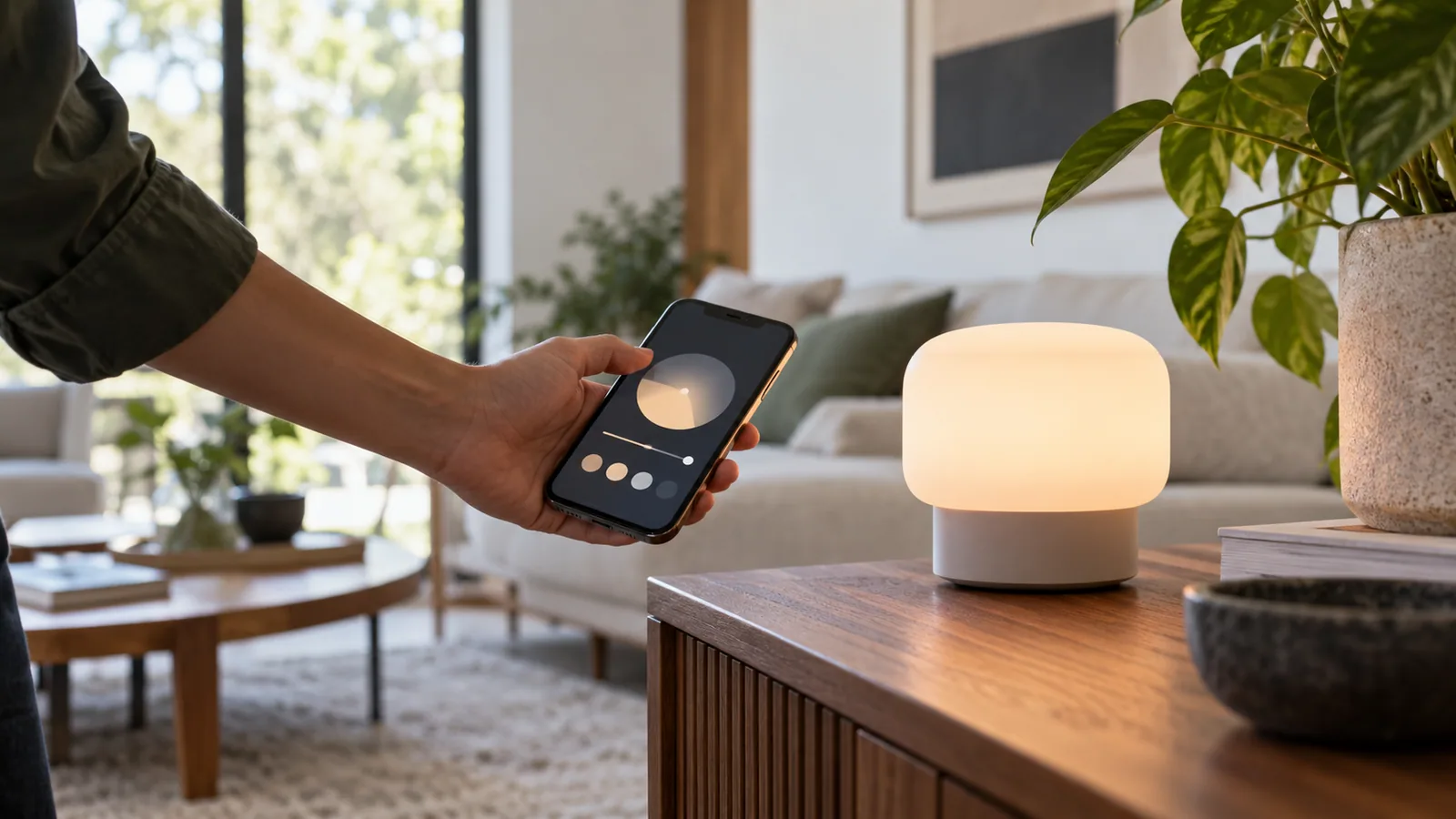
CONNECTIVITY · 4 min read
Where direct phone connections, remotes and specialist radio links fit, and why similar looking devices may not work together.
Read article
CONNECTIVITY · 5 min read
A practical way to plan coverage, troubleshoot dropouts and choose a protocol for each job without trusting a range claim blindly.
Read article
POWER MONITORING · 7 min read
Choose whole house, circuit or plug level energy monitoring. Understand appliance detection limits, Ontario installation and solar readings.
Read article
POWER MONITORING · 4 min read
Find a useful baseline, compare seasons fairly and turn monitoring into specific household decisions.
Read article
SOLAR PHOTOVOLTAIC · 4 min read
Learn what an installer should check on the roof, how panels and inverters work, and which approvals come before a purchase.
Read article
SOLAR PHOTOVOLTAIC · 4 min read
Understand seasonal production, self use, exports and Ontario bill credits before judging a solar proposal.
Read article
BATTERY BACKUP · 4 min read
Learn why battery energy, inverter power and the list of supported loads are separate decisions.
Read article
BATTERY BACKUP · 7 min read
Will solar panels work during a power outage? Learn what backup needs, how long batteries may run essential loads and what to ask an installer.
Read articleSensors & alerts
A practical priority system for leaks, doors and environmental sensors.
Read guideSensors & alerts
Work through the difference between local sensing and remote notification.
Read guideSensors & alerts
Decide what to retain, who can see it and when to delete it.
Read guideCameras
A field of view planning guide for entries and shared spaces.
Read guideCameras
Reduce false alerts from traffic, branches and changing light.
Read guideCameras
Questions to ask before choosing local or cloud video storage.
Read guideEnergy & backup
A practical way to compare energy use without guessing.
Read guideEnergy & backup
Start with the tasks that must continue during an outage.
Read guideEnergy & backup
Read a simple power flow display without confusing it with a savings forecast.
Read guideLocks & entry
A simple access policy for family, trades and short visits.
Read guideLocks & entry
Design the fallback before installing the convenience features.
Read guideLocks & entry
Use one clear decision point for an arrival.
Read guideHeating & cooling
A planning method for occupied, sleeping and away periods.
Read guideHeating & cooling
Why humidity and ventilation belong in the conversation.
Read guideHeating & cooling
Separate display, averaging and true HVAC zoning.
Read guideLighting
Use task, ambient and accent light to make a room flexible.
Read guideLighting
Understand tunable white without treating one colour as universally best.
Read guideLighting
Design a path light routine that helps rather than startles.
Read guideRobot cleaning
Small layout decisions that matter more than a long feature list.
Read guideRobot cleaning
Avoid a one button routine that treats every room the same.
Read guideRobot cleaning
Make unattended runs predictable for people in the space.
Read guide