
Map the whole path
A sensor does not guarantee a message reaches your phone. Trace the path from sensor to hub, network, internet connection, notification service and recipient. Mark which parts need mains power. This simple diagram exposes single points of failure and helps you decide which events must still be audible or visible inside the building.
Choose a local fallback
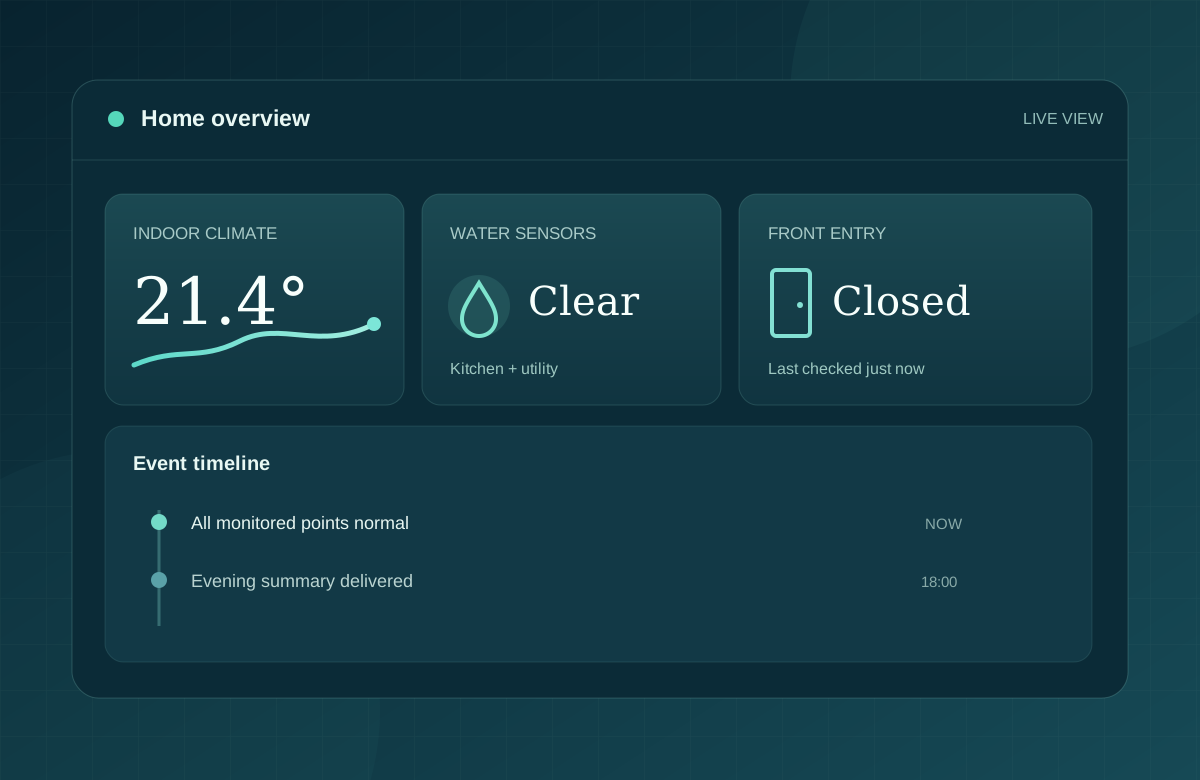
For important conditions, consider a local siren, display or physical indicator that does not depend on a cloud session. A battery backup may keep network equipment running briefly, but capacity and maintenance need to be planned. A remote dashboard should show when a device last reported, rather than presenting stale readings as current.
Test recovery, not just failure
After connectivity returns, the system should distinguish a historical event from a new one. Test by disconnecting a safe, noncritical test device or network path and note what the dashboard and phone show. Repeat after a power interruption. This is a planning exercise, not a substitute for certified life safety equipment.
QUESTIONS TO TAKE INTO A PROJECT
Before you choose a product
- What works locally without internet?
- How is a stale sensor reading identified?
- Who notices if the monitoring hub itself stops reporting?
This guide is a planning concept, not a product recommendation or a promise of service availability. Site conditions and applicable requirements should be checked for each project.