
Frame the useful area before comparing camera specifications.
SEE EVENTS, NOT ENDLESS FOOTAGE · ONTARIO CONCEPT
Useful vision, with privacy built in.
Explore camera placement, detection zones and review workflows that make visual monitoring more useful and less intrusive.
DESIGN PRIORITIES
Start with the decision, then choose the technology.
Use detection zones and privacy masks to reduce irrelevant recording.
Plan lighting, storage and access to footage as one system.
INTERACTIVE CONCEPT
Explore the vision demo.
CAM 01 · FRONT ENTRY
Test an event
The detection zone includes the doorstep; a privacy mask hides the neighbouring window.
PRACTICAL READING
Plan it well before you build it.
Specific questions and tradeoffs for this part of a home or small business.
Cameras
Camera placement that answers a question
A field of view planning guide for entries and shared spaces.
Read guideCameras
Motion zones versus useful events
Reduce false alerts from traffic, branches and changing light.
Read guideCameras
Who owns the clips, and how long should they stay?
Questions to ask before choosing local or cloud video storage.
Read guidePLAN BEFORE YOU PURCHASE
Cameras and useful events: questions worth settling first.
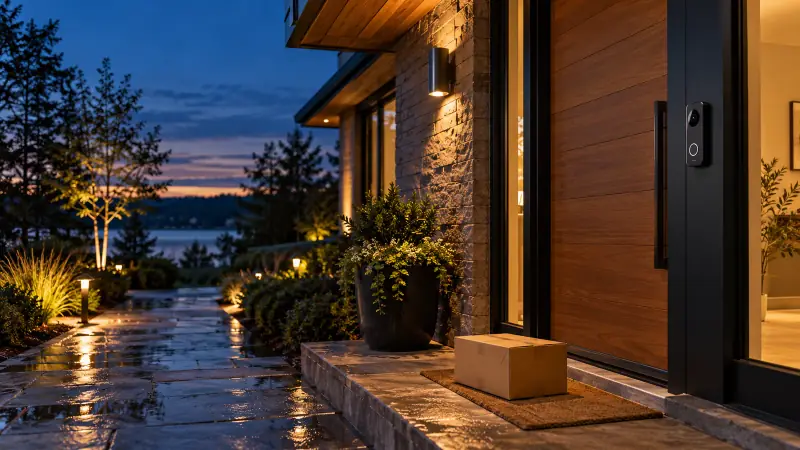
Begin with a defined question such as confirming a parcel arrival. Compare field of view, lighting, recording, account access and privacy together. A more detailed image is only helpful when it shows the relevant place and can be retrieved when needed.
- What should be visible by day and after dark?
- Which neighbouring or private areas should stay outside the recording?
- What recording and review remain available during an outage?
Use the demonstration to explore an idea, then record the exact products, dependencies and checks your property would require. Bienieco is pre-launch and is not currently accepting installation bookings or providing a monitoring or emergency response service.
Understand security and safety layers →Find a practical next step.
PRACTICAL TROUBLESHOOTING
Security camera through a window at night: what to check
A clear daytime view does not prove a useful night recording. Test the view, event detection and privacy as separate decisions.
Read the checklist →