
Make daily entry easy before adding automation.
THE RIGHT PERSON, THE RIGHT DOOR · ONTARIO CONCEPT
Access control that stays understandable.
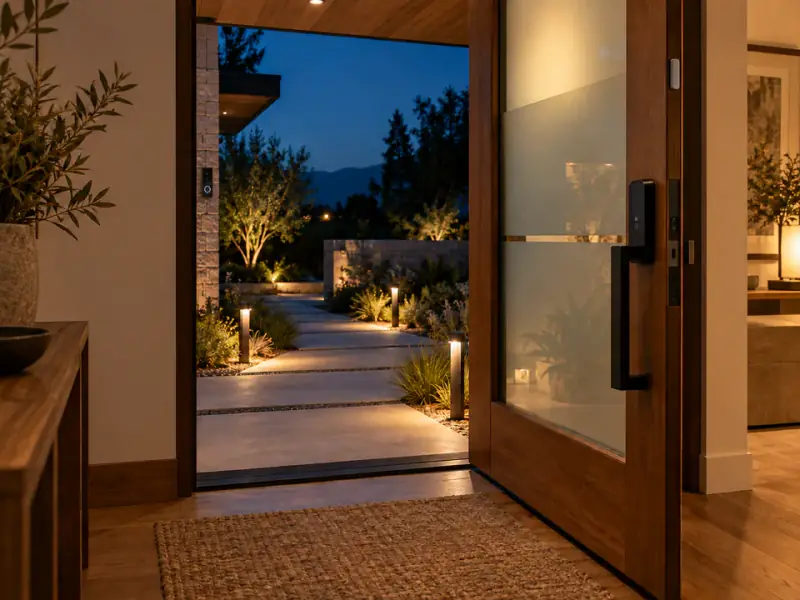
Explore entry routines, temporary access and clear audit history while keeping physical safety and simple fallback in view.
DESIGN PRIORITIES
Start with the decision, then choose the technology.
Give temporary visitors limited access that can expire.
Document battery, network and manual key fallback.
INTERACTIVE CONCEPT
Explore the access demo.
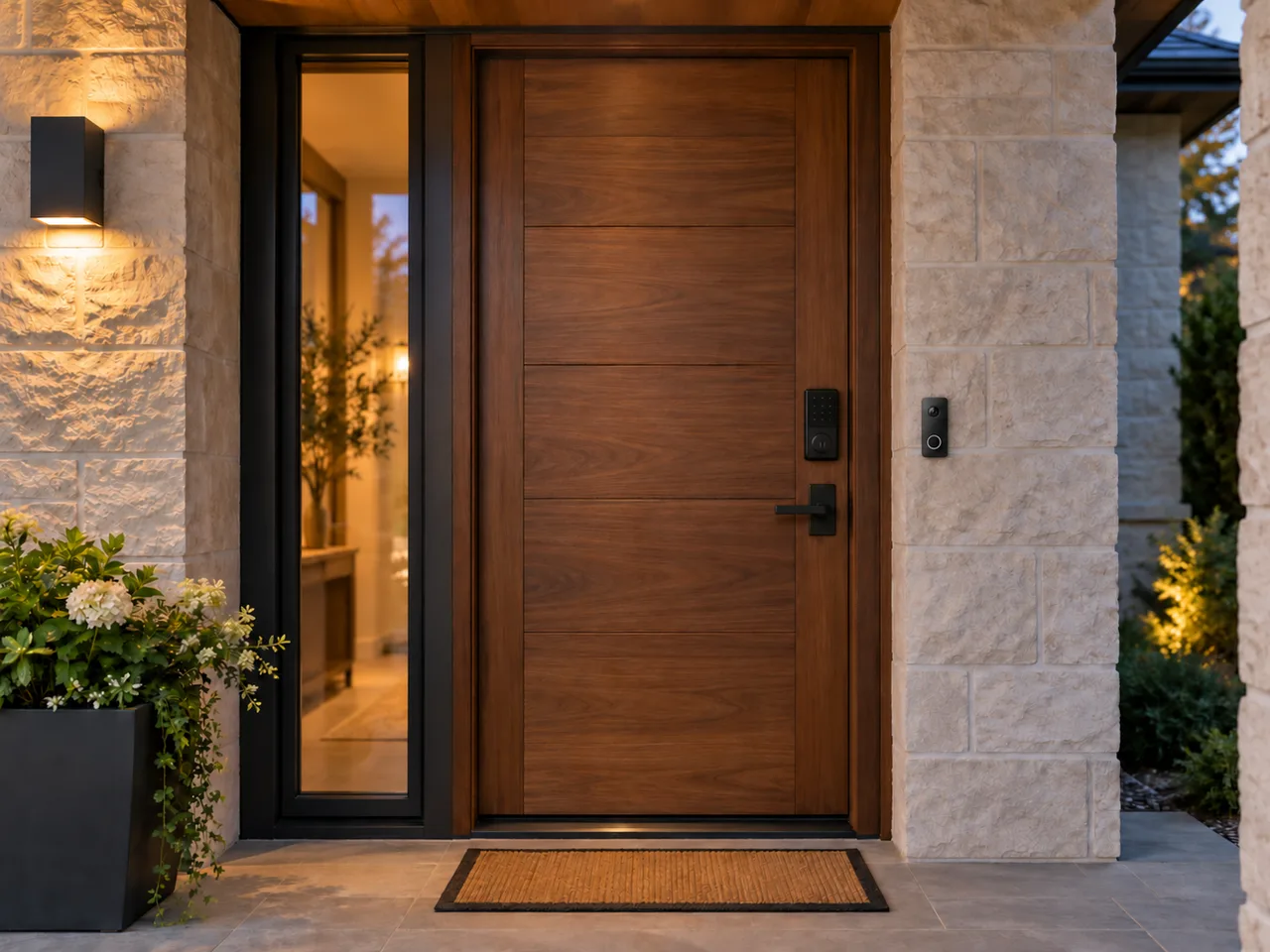 FRONT ENTRY · CONCEPT
LockedDoor closed · test a visitor code to enter
No visitor code activeAI generated concept image · camera doorbell is visual only. No real devices connected.
Ready for a simulated access event.
Try the entry controls
Create a temporary demo code to try the keypad. No real door or account is connected.
Unlock the door, then tap or click it to open. A correct visitor code also opens it after five green pulses. The door stays open for five seconds, then closes and locks automatically. Codes work only in this demo and disappear on reload.
PRACTICAL READING
Plan it well before you build it.
Specific questions and tradeoffs for this part of a home or small business.
Locks & entry
Plan temporary guest access without sharing a permanent key
A simple access policy for family, trades and short visits.
Read guideLocks & entry
What happens when a smart lock loses power or network?
Design the fallback before installing the convenience features.
Read guideLocks & entry
Connect a doorbell, camera and lock without creating risk
Use one clear decision point for an arrival.
Read guidePLAN BEFORE YOU PURCHASE
Access and permissions: questions worth settling first.
List the people who need access, when they need it and how that access ends. An app, lock and notification are useful only alongside appropriate hardware, secure accounts and an understandable manual path. Remote control alone is not a response service.
- How will household members enter and exit if a phone is unavailable?
- How are temporary permissions reviewed and revoked?
- Which functions need a subscription, network or external controller?
Use the demonstration to explore an idea, then record the exact products, dependencies and checks your property would require. Bienieco is pre-launch and is not currently accepting installation bookings or providing a monitoring or emergency response service.
Plan protection and practical responses →Find a practical next step.
PRACTICAL TROUBLESHOOTING
Smart lock auto-lock while the door is open: what to verify
A locked indicator and a closed door are different facts. Check the sensor and the rule before relying on an automatic locking routine.
Read the checklist →