
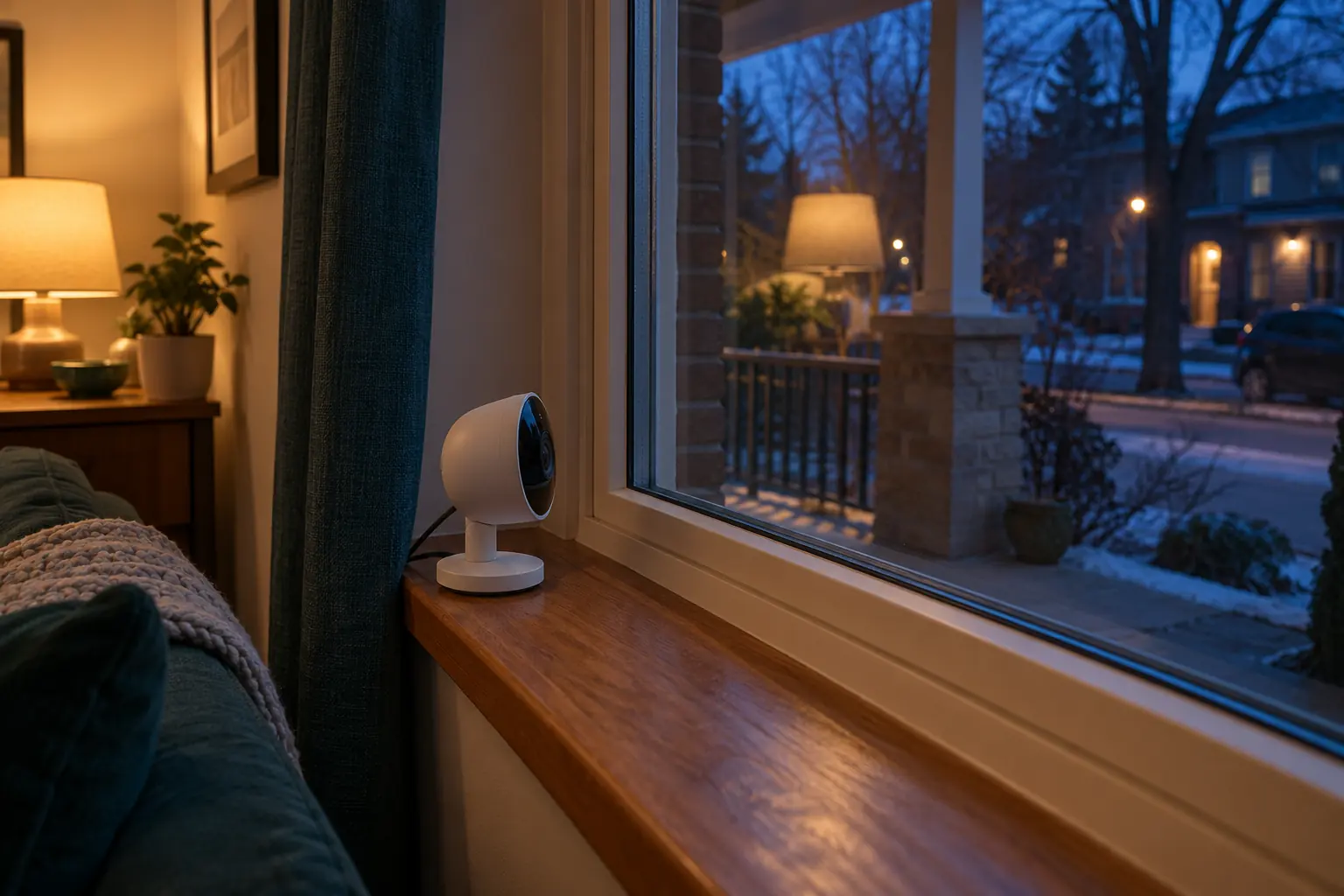
Decide what the window view must answer
Choose one task, such as seeing whether a parcel reached a particular doorstep. Identify the area and the detail needed, then consider whether a view from inside your home can show it. A wide view across a street can capture more neighbouring activity while providing less useful detail about your own doorway.
Record the window position, camera distance, room lights, exterior lights and any screen or blind between the lens and the subject. Keep permission and privacy separate from image quality. A camera on your own shelf does not automatically make every direction of recording appropriate, especially toward a shared hallway or neighbouring home.
Compare room reflections and camera illumination
Reolink: image glare, reflections and exposure explains reflections and exposure as possible causes of a poor image. Reolink: model specific infrared light settings shows that infrared illumination settings are model dependent. These sources support checking light paths and available settings; they do not guarantee that a particular camera will perform through your glazing.
A reflected lamp can compete with the outdoor scene. Infrared illumination near glass can also complicate the view. Where the manufacturer permits it, compare supported illumination modes and the actual outdoor lighting. Turning off the camera’s illumination does not create light outside: the resulting scene may be too dark for the task.
Do not cover sensors, open the camera or improvise electrical modifications to solve a reflection. If a usable view requires outdoor mounting, first verify the camera’s environmental rating, the mounting instructions and the property approvals.
Run a day, dusk and night comparison
| Condition | View to review | Event to verify |
|---|---|---|
| Daylight | Required detail, glare and areas outside the intended frame. | An agreed approach within your own permitted test area. |
| Dusk with room lights on | Lamp reflections and changing contrast. | Whether the same approach creates the intended event. |
| Dark with normal exterior lighting | Detail without assuming a bright preview is usable evidence. | Recorded clip and notification, if supported. |
| Curtain or blind in ordinary position | Whether the view or ventilation is obstructed. | Whether the household can maintain the arrangement. |
Ask an informed household participant to perform an ordinary permitted test without recording neighbours unnecessarily. Keep the clip only as needed for evaluation. Compare a saved recording with the live view; the preview alone cannot establish what was retained or delivered to a phone.
Check detection separately from the picture
Ask the manufacturer whether this exact model’s event detection is suitable through glass. Identify the detection method and its limitations instead of assuming that visible movement in the picture guarantees an alert. Check for missed events as well as nuisance notifications from changing light.
Write a pass criterion: the required area is visible at the needed time, the agreed event is captured, and the intended person receives a useful message. If the setup fails that task, consider an approved alternative position rather than increasing sensitivity indefinitely. Review camera placement, event zones and recording and storage choices before purchasing equipment.
Sources and method
Prepared by Bienieco with AI assistance and checked against the primary documents below on 17 October 2026. Worksheets are original planning aids, not measured product results. Manufacturer examples apply only to the stated products; confirm exact models, regional versions and current instructions. Read our editorial approach.