Bluetooth Low Energy is often the first handshake
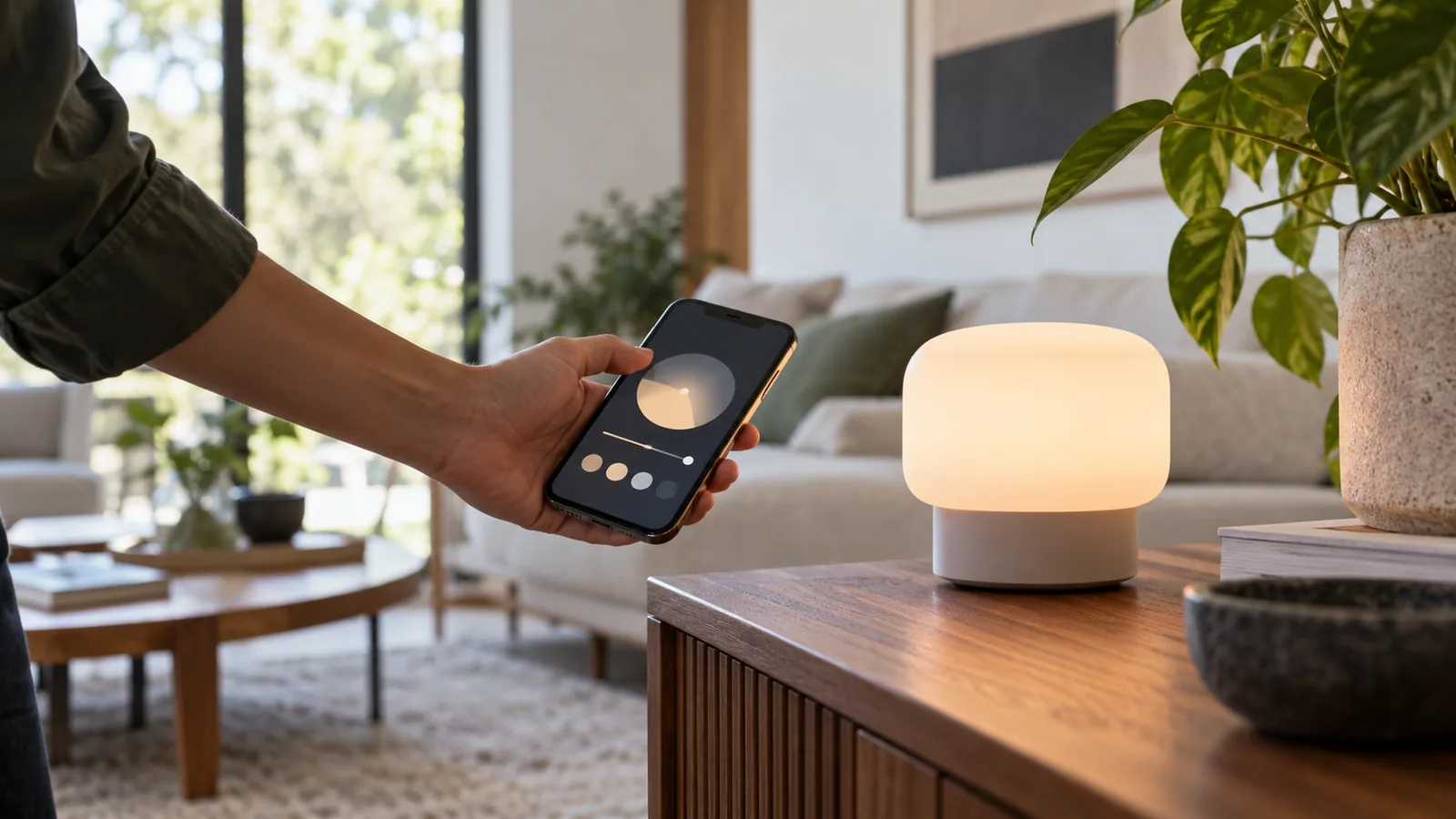
Bluetooth Low Energy, often shortened to BLE, lets nearby devices exchange small amounts of data while conserving power. Many smart home products use it to meet your phone during setup. Some also use it for direct control, presence features or sensors. A phone can connect without a separate network hub in some cases, but direct control usually stops working once the phone is out of range unless another compatible device provides a bridge.
Bluetooth is not one fixed distance. The Bluetooth SIG explains that antenna design, power, radio mode, walls and interference can change useful reach enormously. A short indoor room to room link is a safer assumption than a number printed on a box; verify at the actual location.
Bluetooth Mesh is a specific feature
Bluetooth Mesh is a separate networking model for many devices communicating across a larger area. It can be useful for lighting and building controls. An ordinary Bluetooth bulb, speaker or lock does not become part of a Bluetooth Mesh network just because it has the Bluetooth name. Look for explicit mesh support and the controller or provisioner it requires.
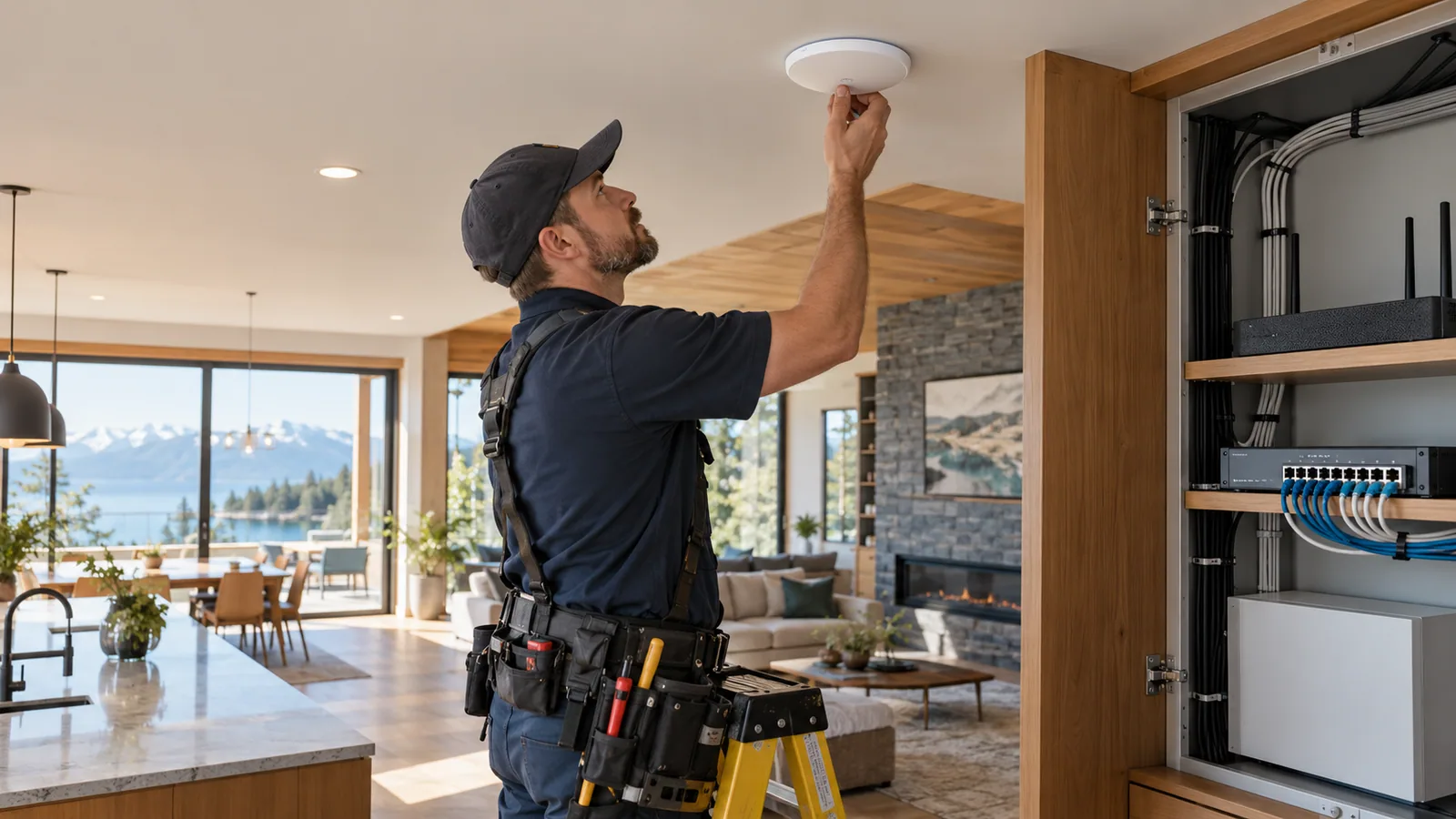
As with other mesh systems, layout and device roles matter. Battery devices may rely on powered neighbours, and a dense building installation needs careful design instead of assuming every signal will relay indefinitely.
Infrared and simple radio remotes
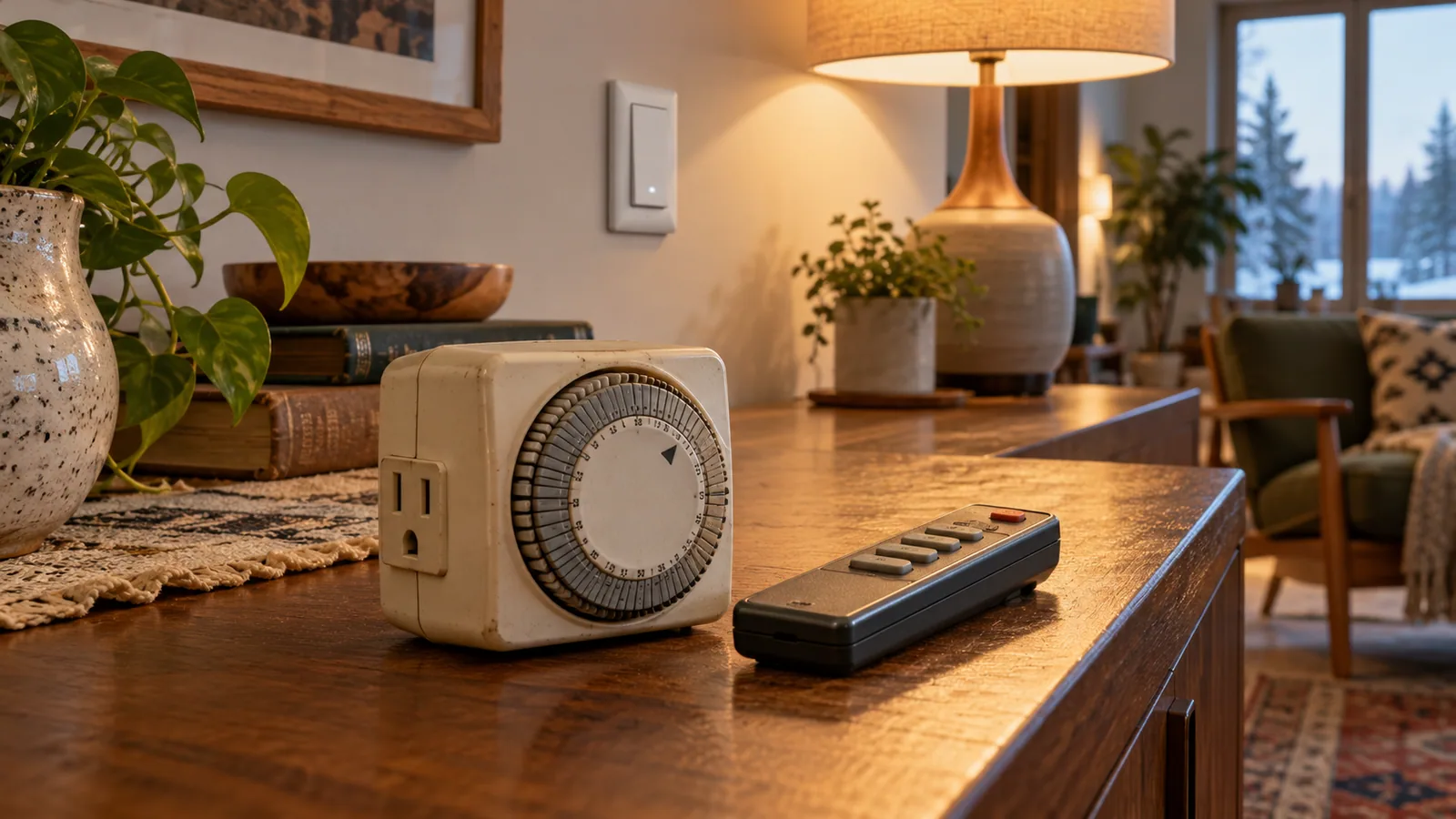
Infrared, or IR, is the familiar light based signal used by many television and air conditioner remotes. It can be useful when integrating an existing appliance, but normally needs line of sight or a suitable emitter aimed at the receiver. A closed cabinet, moved emitter or bright sunlight can break a control path. An IR command often cannot confirm that the appliance actually obeyed it.
Other products use simple proprietary radio links, including devices sold around 433 or 915 MHz in some regions. A matching frequency is not enough for compatibility. The encoding, pairing method, security and regional rules also have to match. Some links only send commands one way, making reliable status reporting difficult.
When an adapter makes sense
A bridge can be reasonable when an existing shade, thermostat or remote controlled device still works well. Ask whether the bridge knows the actual state or merely guesses based on commands it sent. If it cannot tell whether a blind moved or a garage door closed, avoid treating its displayed state as proof.
For new purchases, prefer a clearly documented interface and a way to update or replace the controller. A low purchase price can be outweighed by a hard to maintain connection.
The simple buying check
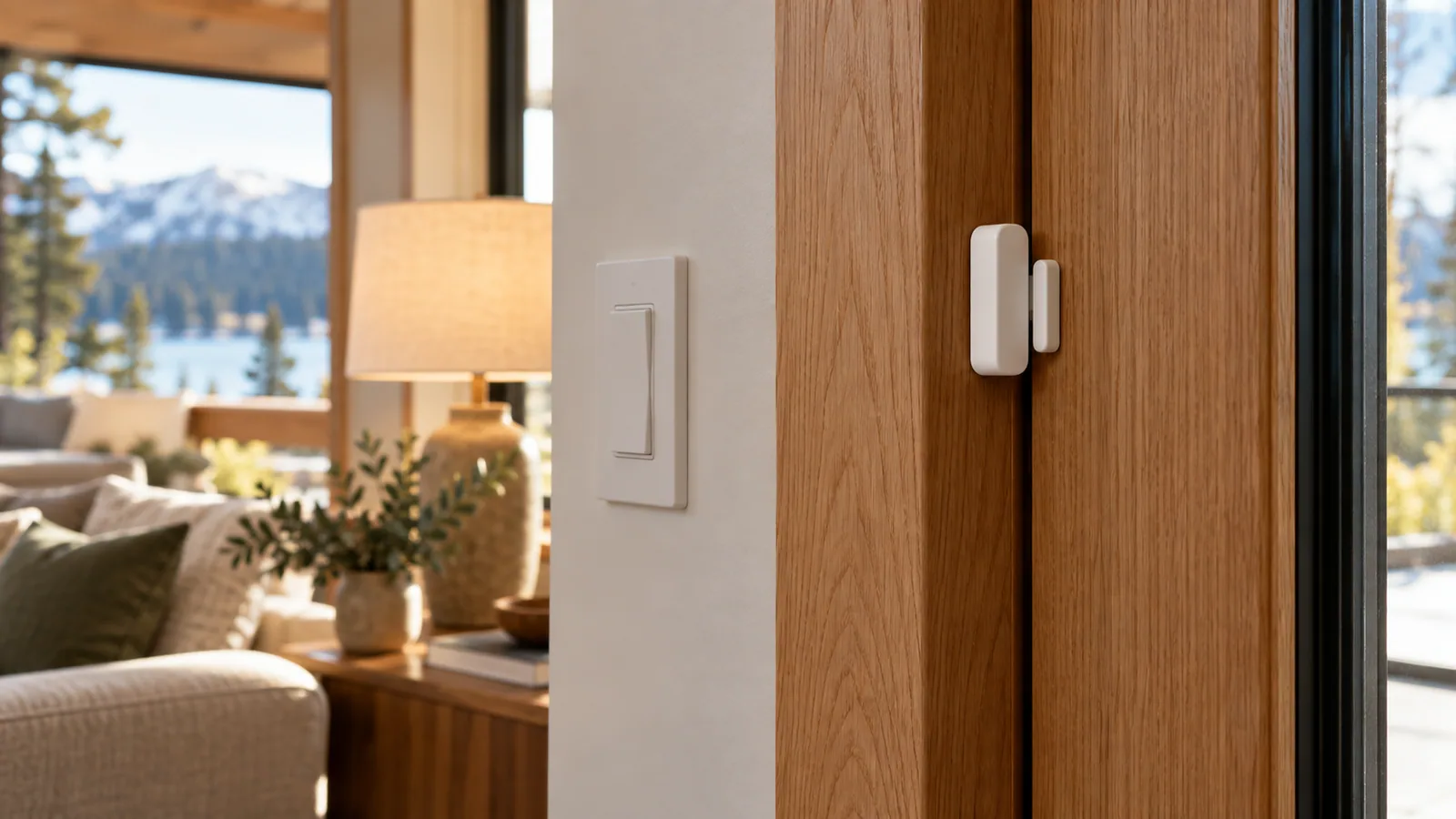
Before ordering, write down four items: exact device model, connection method, required controller and the feature you want to use. Search the controller’s compatibility list for that model. If the product says Bluetooth, ask whether that means setup only, direct control or a certified mesh feature. If it says RF, ask which protocol and region.
This small check prevents the common disappointment of buying two devices that can both transmit radio signals but still cannot understand each other.
CHECK THE SOURCE
Official reading
Standards and products evolve. These links lead to the organizations that publish or administer the technologies discussed above.
Wireless distances are estimates, not a guarantee for a particular home. Verify the exact product, regional version, controller support and final installation location. Reviewed 12 October 2026.