One network, two ways to reach it
Ethernet uses a cable between a device and the network. Wi Fi sends the same kind of network traffic by radio to an access point. Both can connect a device to a local controller and, if allowed, to the internet. Neither label alone tells you whether a product can be controlled locally; that depends on its software and the service it expects.
For fixed equipment, Ethernet is often the quiet hero. A camera, television, network recorder or access point does not move around. A cable gives it a predictable path and avoids competing for airtime with every phone and sensor in the house.
Where a cable earns its keep
A conventional copper Ethernet run is normally planned for up to 100 metres between network devices when the cable and installation meet the relevant standard. Power over Ethernet, often called PoE, can carry suitable electrical power on the same cable for a camera or access point. The connected device and switch must both support the right power standard and budget.
The tradeoff is installation work. Routing cable through finished walls can cost more than adding a wireless device. Plan cable during construction or renovation wherever cameras, access points, desks and equipment cabinets are likely to remain.
What Wi Fi does well
Wi Fi is useful when a device needs more data or must be easy to place. Video, audio, phones and many appliances suit it. The familiar 2.4 GHz band usually reaches farther through ordinary walls than higher frequency bands, but it is crowded. The 5 GHz and 6 GHz bands can offer more capacity with shorter practical reach and more sensitivity to obstacles. Product support varies, so check the band before purchase.
There is no honest universal Wi Fi distance for a house. An open room and a concrete basement are different environments. As an initial survey, expect to need an access point reasonably near important wireless devices, then measure the signal where each device will actually sit. A mesh Wi Fi kit can help coverage, but a wired link between access points is generally the cleaner backbone where it is possible.
The hidden limits: airtime, power and cloud dependence
Wireless devices share airtime. A group of cameras uploading video, neighbours on nearby channels and an access point hidden in a metal cabinet can all hurt reliability. A battery powered sensor that keeps a Wi Fi radio active may need a larger battery or more frequent charging than a low power radio sensor.
Internet loss is a separate question. A Wi Fi camera may stay connected to the home router but stop working in its app if the vendor requires a cloud service. Ask whether local recording, local viewing and automations continue during an outage. Also ask how firmware updates and account recovery are handled.
A practical layout
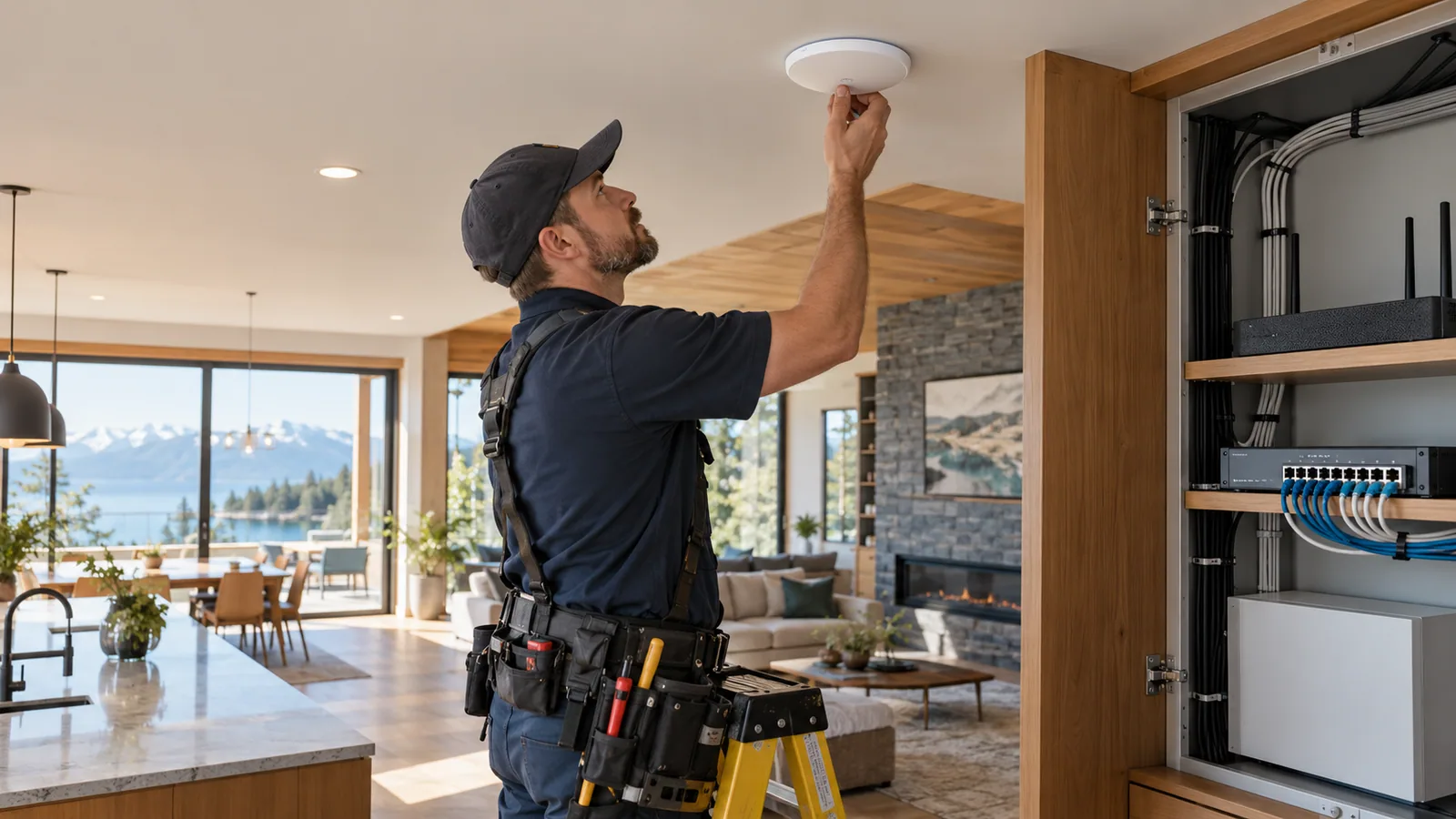
Put the router and network switch in a ventilated, accessible spot. Place access points for the rooms and outdoor edges that matter, not merely where the modem happened to be installed. Avoid metal enclosures and dense concrete. Use Ethernet for stationary high demand devices and Wi Fi for devices that benefit from flexibility.
For a critical device, test at the intended location at the busiest time of day. A speed test in the hallway cannot prove that an outdoor camera or garage controller will remain connected.
CHECK THE SOURCE
Official reading
Standards and products evolve. These links lead to the organizations that publish or administer the technologies discussed above.
Wireless distances are estimates, not a guarantee for a particular home. Verify the exact product, regional version, controller support and final installation location. Reviewed 12 October 2026.