Two names with different jobs
Thread is a low power wireless network. It moves small messages between compatible devices and uses a mesh so certain powered devices can relay traffic. Matter is an application standard: it describes how devices identify themselves and how supported functions, such as a light level or lock state, are represented. A Matter device can use Thread, Wi Fi or Ethernet as its regular connection.
This is why a box may say “Matter over Thread” or “Matter over Wi Fi.” The first part describes the common language; the second describes the road. Thread by itself does not make a device a Matter product, and Matter does not magically improve weak radio coverage.
The border router and the controller
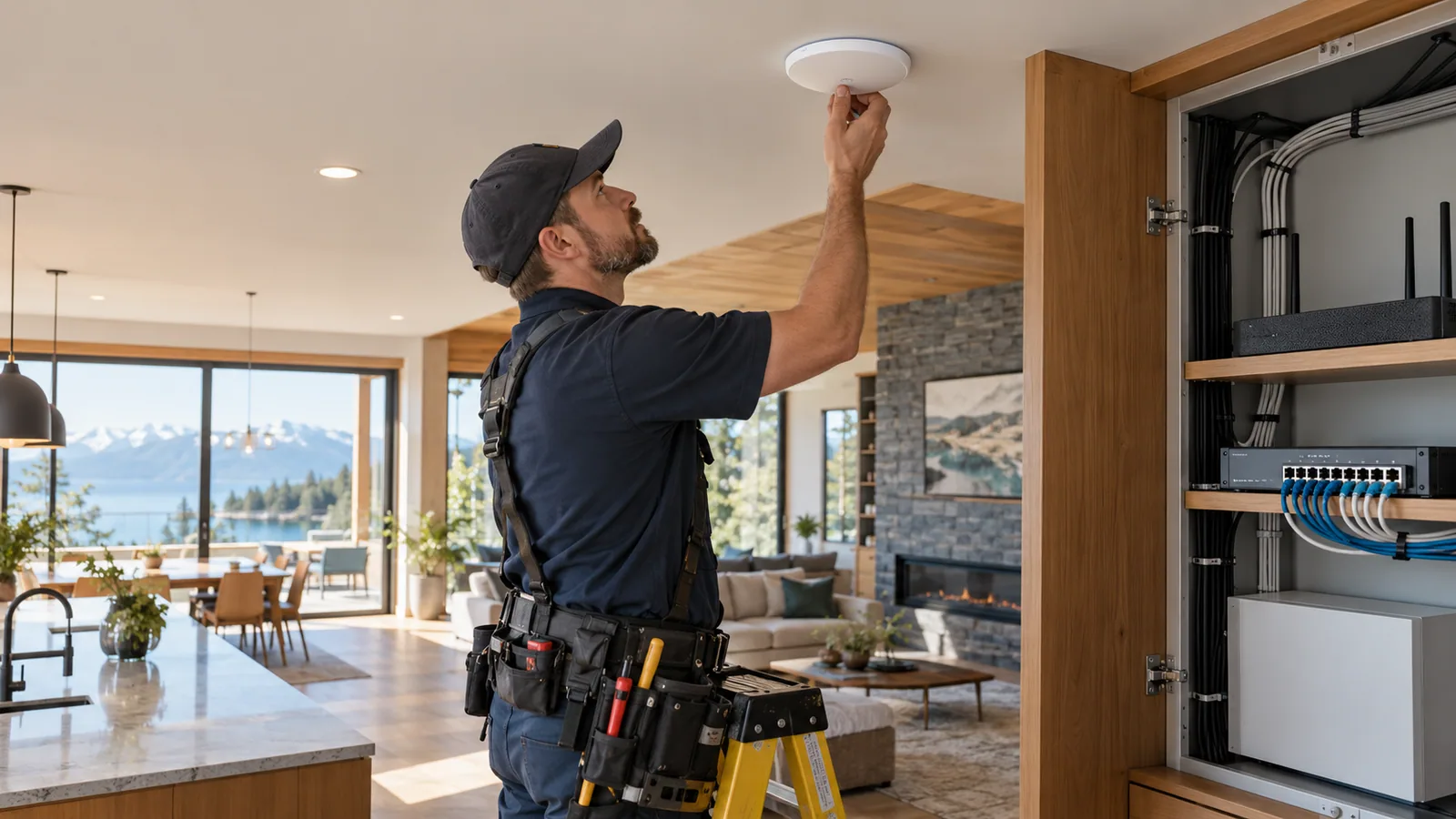
A Thread border router connects the Thread mesh to the rest of the local IP network. It can be built into a suitable smart speaker, display or router. A Matter controller is the app or hub that commissions and manages Matter devices. One product may perform both roles, but those are distinct jobs. Check the exact model rather than assuming every speaker or router includes the functions you need.
Powered Thread devices can extend the mesh; sleepy battery sensors usually do not. Multiple compatible border routers can provide additional paths, although the way they share networks can depend on their software and setup.
How a new device joins
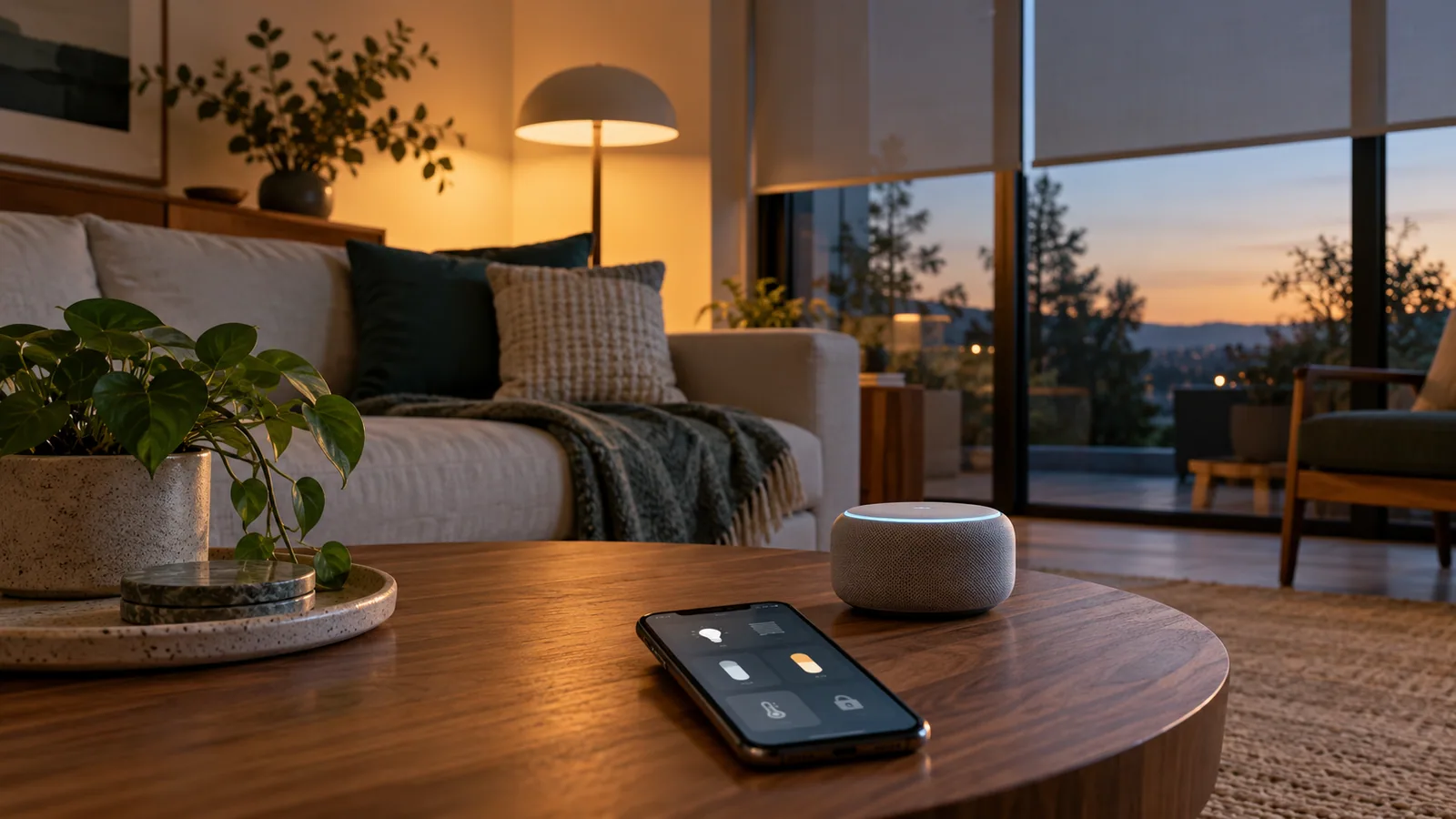
During setup, a phone or controller often discovers a Matter device over Bluetooth Low Energy. You scan a setup code, authorize the device and give it what it needs to join the appropriate network. After that, a Matter over Thread device talks over Thread; a Matter over Wi Fi device talks over Wi Fi. Bluetooth is often only the introduction, not the day to day route.
If joining fails, the cause may be the controller, Thread border router, Wi Fi network, software version or an old pairing record. A missing code or unsupported device type can matter too. Resetting everything at random is rarely the fastest fix.
The promise and the limits of interoperability
Matter aims to make supported device types work across participating ecosystems. That is valuable, especially if a household uses more than one phone or voice assistant brand. Still, device categories and features are added over time. A device can expose its basic function through Matter while offering a special feature only in the maker’s own app.
A Zigbee or Z Wave device does not automatically become a native Matter device. A compatible bridge may expose some of its functions to a Matter controller, but the bridge and feature mapping determine what appears. Check what the actual product and software combination supports today.
Local does not mean independent of everything
Matter can support local control within the home, but a product may still use cloud services for accounts, remote access, updates or special features. The local controller, border router and home network still need power. Before relying on a routine, test what happens with the internet disconnected and then with one network component unplugged.
Choose products with clear certification, supported controllers and a visible update policy. Keep setup codes in a safe place. The goal is a home that works in ordinary conditions and fails in a way you understand.
CHECK THE SOURCE
Official reading
Standards and products evolve. These links lead to the organizations that publish or administer the technologies discussed above.
Wireless distances are estimates, not a guarantee for a particular home. Verify the exact product, regional version, controller support and final installation location. Reviewed 12 October 2026.