
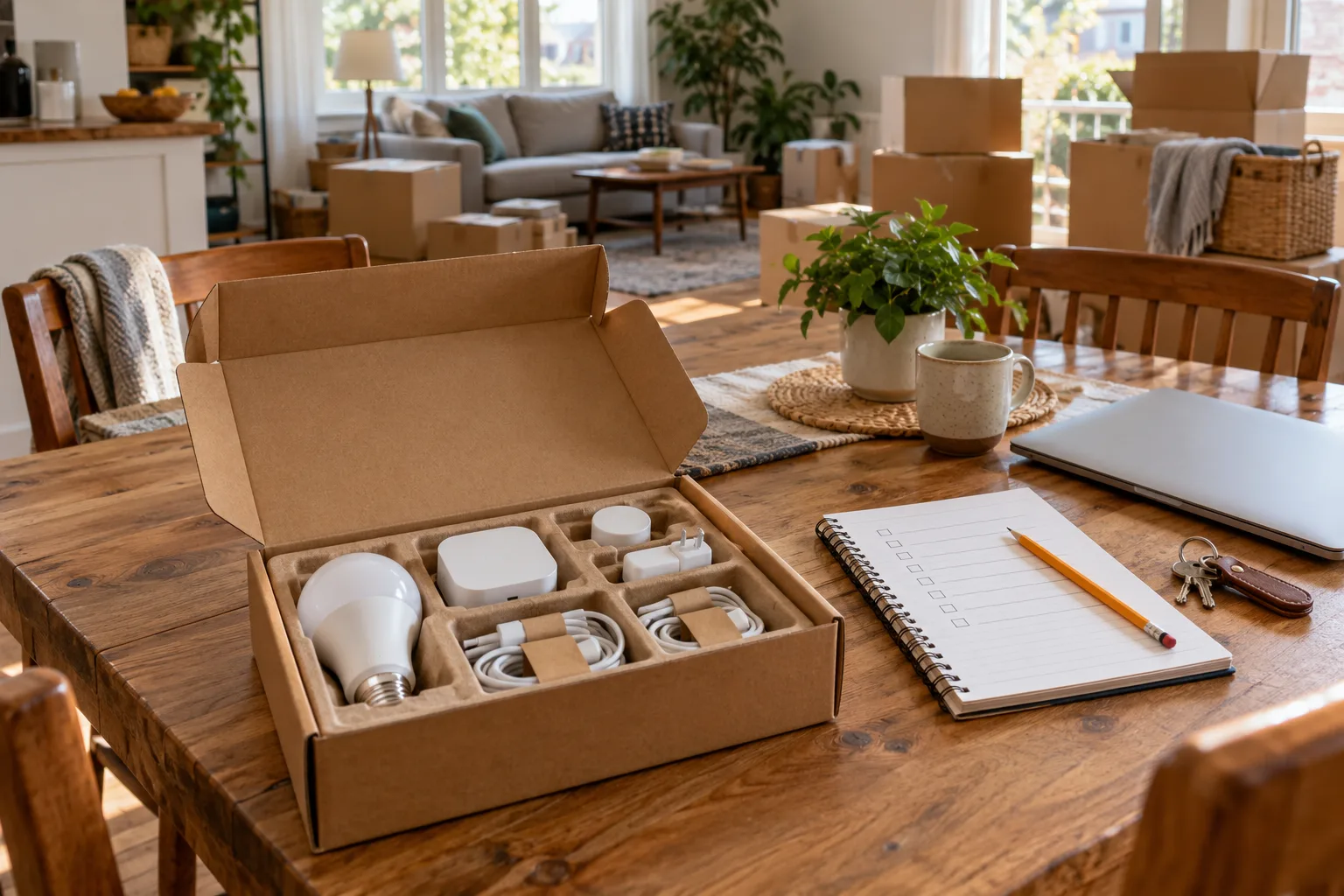
Make three piles before unplugging anything
| Equipment category | Record | Decision |
|---|---|---|
| Taking with you | Model, owner, account, hub and power supply. | How will it be commissioned at the new home? |
| Agreed to remain | Exactly what remains and what control is handed over. | Use the supported transfer process and a clear equipment agreement. |
| Landlord or building property | Who owns and administers it. | Do not remove, reset or alter it without authority. |
For homeowners, identify included fixed equipment before agreeing a handover. For condo owners, separate unit equipment from shared building systems. For renters, check the original inventory and agreed restoration arrangements. This is an equipment planning checklist, not a statement about what a sale or lease legally includes.
Retain the information you will need later
Record model numbers, accessories, original manuals and the relationship between each device and its bridge. Keep setup codes privately where the new owner or authorized administrator can retrieve them. Avoid posting QR codes or detailed account information in a public inventory.
If Home Assistant is moving, use Home Assistant: backup and recovery to plan backup and recovery. Do not assume a screenshot of the dashboard preserves the configuration. Keep the backup and required recovery material separate from the hardware being transported, and know which external accounts will still need attention.
Reset, remove, transfer and cancel are different verbs
TP Link: camera reset, account removal and subscription distinction distinguishes camera reset and account related steps, and explains that resetting a camera does not itself cancel the account’s Tapo Care subscription. TP Link: registering a camera to another account describes its supported re registration process. Treat these as examples: another device may follow a different sequence.
- Remove: disconnect the item or sharing relationship through the supported account process.
- Reset: return the equipment to its documented starting state.
- Transfer: establish legitimate ownership and access for the recipient.
- Cancel: change the separate service or subscription, if applicable.
Do not hand over your personal account password as an equipment transfer shortcut. Follow the manufacturer process for the exact product, and check that old third party integrations and sharing permissions no longer provide unintended control.
Handle recordings and history deliberately
Before removing a camera or storage hub, decide what legitimately needs retaining and who may access it. Follow the vendor’s export, deletion and storage instructions. A device leaving your app does not prove every cloud recording, memory card or downloaded copy has disappeared.
Keep cameras and microphones out of the moving process until their owner and placement are agreed. For an item being sold or left behind, verify the documented cleanup and transfer rather than relying on a flashing indicator. Handle account credentials and recovery codes privately.
Plan commissioning at the new address
The new property may have different network access, router capabilities or building rules. Copying an old network name is not a universal migration method. Make a list of which equipment supports network changes through its app and which needs a supported reconfiguration procedure.
Home Assistant: Matter features and sharing documents setup and sharing roles. Retain the accessory codes and identify any missing controller or Thread infrastructure. If broadband is not installed yet, use the move in lighting guide to choose what can be useful before the full system is ready.
Use a final departure check
- Confirm the agreed taking/leaving list and return property owned equipment to its required condition.
- Complete the supported transfer or removal steps while accounts and connectivity are available.
- Check separate subscriptions, shared users and linked platforms.
- Label each retained power supply and pack the accessories with their device.
- Verify ordinary lighting, heating and entry remain usable for the next occupant.
- Keep a private copy of the completed inventory and any agreed handover notes.
A recipient should know which devices remain, how ordinary control works and which services they must establish themselves. For a household member taking over an existing controller, use the administrator handover worksheet rather than a moving day reset.
Sources and method
Prepared by Bienieco with AI assistance and checked against the primary documents below on 17 October 2026. Worksheets are original planning aids, not measured product results. Manufacturer examples apply only to the stated products; confirm exact models, regional versions and current instructions. Read our editorial approach.