Start with the household, not the device list
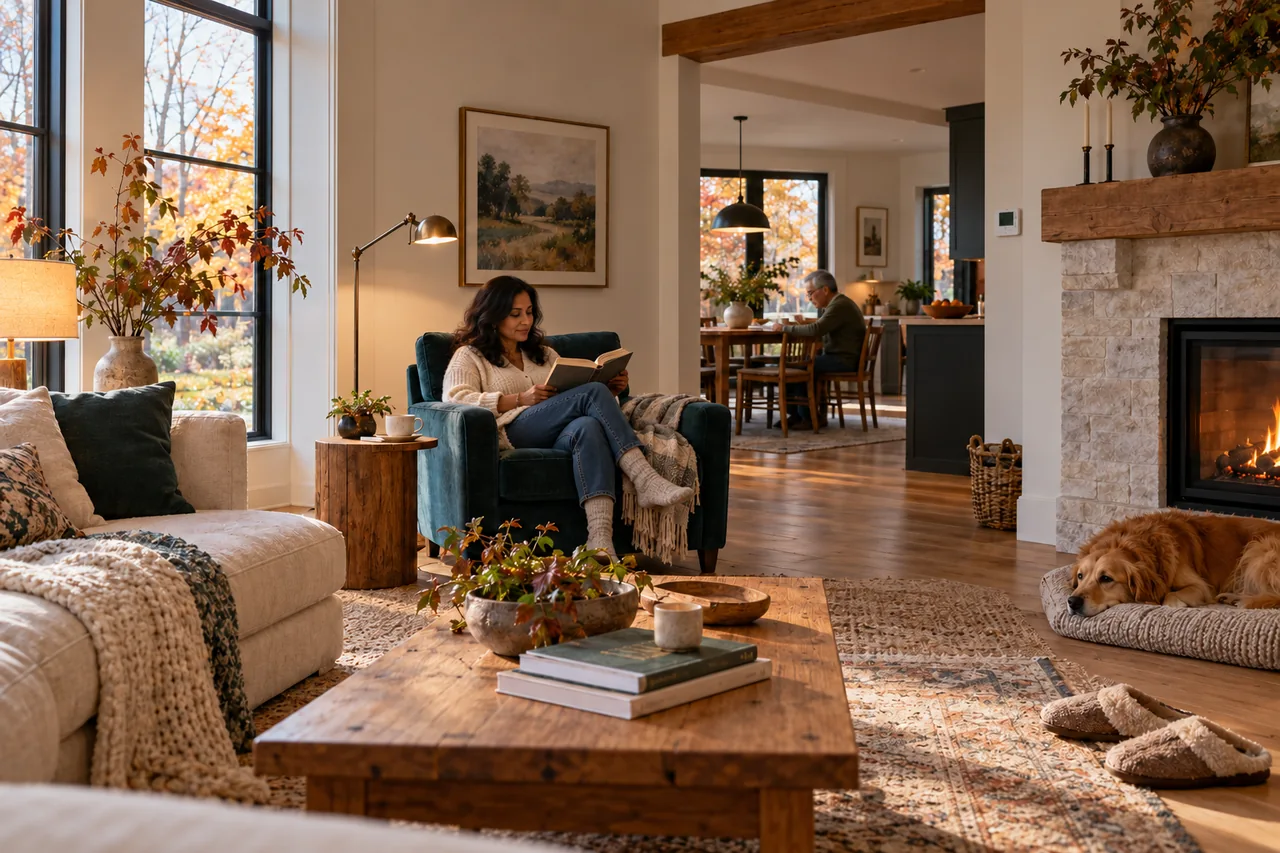
A home contains overlapping routines: an early shift, a late arrival, a child's bedtime, a visiting relative and a quiet afternoon. Automation that assumes one schedule for everybody can turn ordinary life into a series of overrides.
Start by asking each person what is awkward now. Is the entrance dark when someone carries shopping? Does a lamp switch sit behind furniture? Is the bedroom too bright at sunrise? Those observations describe useful outcomes without committing to a product.
Then ask what should remain private. A household may welcome a leak sensor but reject an indoor camera. Someone may prefer a physical button to a microphone. Consent and understandable controls belong in the design from the beginning, rather than being settings discovered after installation.
A morning routine that helps without taking over
An illustrative morning scene might raise bedroom shades gradually after the household's chosen wake time, set kitchen lighting for breakfast and bring the home toward an appropriate comfort setting. On a weekend, it should wait for a different schedule or a button press.
Use a clear trigger and a clear exception. “At 7 a.m. on workdays, unless holiday mode is on” is easier to understand than several overlapping rules. If someone is sleeping, a quiet local button should override the routine immediately.
Decide what happens after an outage. A light restoring at full brightness during the night may be technically functional but practically wrong. Test the product's power-restoration behaviour and choose a supported default that the household can live with.
Working from home: respond to presence, not guesswork
For a home office, a desk scene can combine task lighting and a preferred shade position. A suitable schedule can reduce unnecessary conditioning in unoccupied periods, subject to equipment compatibility and comfort requirements. The purpose is a more usable room, not a promise of a particular health or productivity outcome.
Presence detection needs careful testing. A person sitting still may look “absent” to a basic motion sensor. Instead of abruptly switching the room off, use a conservative delay, another suitable signal or a manual working-mode button.
For shared rooms, make the current mode visible. “Focus,” “Relax” and “Off” are understandable names; an internal device identifier is not. Avoid a routine that changes someone else's room because a different household member left the property.
Arrivals, visitors and deliveries
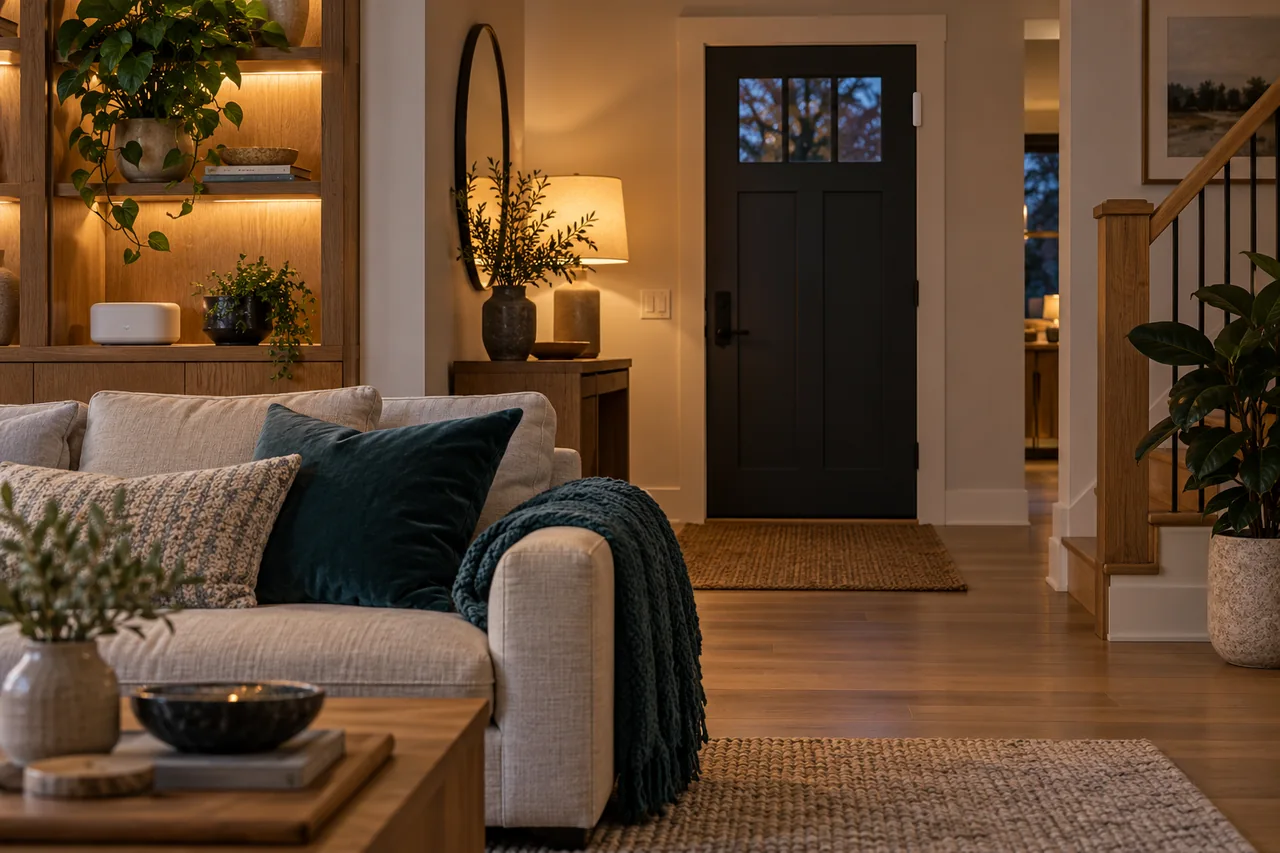
A practical arrival sequence could turn on an appropriate entry light after a supported trigger, while a doorbell sends a useful notification to the responsible person. A verified visitor may receive a time-limited access code when the lock and platform support it.
Keep the decision to admit someone separate from the decision to illuminate the path. A location estimate or a camera classification can be wrong. Do not automatically unlock the main entrance solely because a phone appears nearby or an image resembles a familiar person.
Guests should not need your app just to turn on a light. Label the physical controls, explain how a visitor code expires, and keep an agreed fallback for a flat phone battery. Our temporary guest-access guide develops that workflow.
Evenings and nights: fewer steps, fewer surprises
An evening scene can reduce selected lights, adjust shades for privacy and leave a reading lamp available. A bedtime command might switch off suitable nonessential loads and remind the household about an open door. It should not silently override a person still using another room.
For a night path, use low, appropriate lighting and a conservative timeout. Test the route from the position of the person actually using it: a standing adult, someone with limited mobility, or a guest unfamiliar with the layout may have different needs.
Robot cleaning is another routine to negotiate. Schedule it around people, pets, cables and floor surfaces. Preserve no-go areas and a simple stop control. “Away” should not mean the system is free to operate equipment in ways its manufacturer does not permit.
Accessible control means more than voice commands
Voice can be convenient when hands are full, but a microphone-dependent home is not equally usable for everyone. Offer more than one practical way to control important functions: reachable physical switches, a simple button, a clear app and, where appropriate, voice.
Involve the person who will use the system. Check reach, button force, contrast, readable labels and the number of steps needed. A bedside button that performs one reliable action may be more useful than a wall of scenes.
Optional activity or environmental alerts for a relative should have a clear, consent-based purpose and a named responder. They are not a substitute for medical care, emergency communications or an assessed support plan. Avoid treating a missed sensor event as proof that someone is safe or unsafe.
A five-part template for a useful routine
| Part | Question | Example |
|---|---|---|
| Trigger | What starts it? | A physical bedside button is pressed. |
| Conditions | When is it allowed? | Night mode is active. |
| Action | What exactly changes? | A low-level route light turns on. |
| Override | How does a person take control? | The wall switch still works. |
| Failure plan | What happens if something is unavailable? | An ordinary manual light remains available. |
Write the routine in a sentence a visitor could understand. If it takes several explanations, simplify it before adding more devices. Avoid conflicting triggers that repeatedly change the same light or thermostat.
Run the pilot for a normal week, including a late night or unusual day. Note false triggers, missed actions and moments when somebody needed a different setting. Add complexity only to solve a problem observed in that test.
Choose which functions must remain local
Separate actions in the room from actions delivered through outside services. A supported local routine may keep working during an internet interruption, while remote access, cloud voice features or phone notifications may not. Check the actual controller and automation path rather than assuming that “smart” means “offline.”
A thermostat, lock or safety alarm should retain the appropriate standalone functions for its role. Keep the documented manual fallback, power strategy and recovery procedure. Our outage explorer helps turn those dependencies into a practical checklist.
If connectivity choices are unclear, begin with Matter over Thread explained. Then use the phased home plan to add one proven routine at a time.
Keep ownership, privacy and maintenance understandable
Use household-controlled accounts and document who has administrative access. Give visitors only the permissions they need, then remove them when the visit ends. Decide how to transfer or reset devices when moving home.
The Canadian Centre for Cyber Security recommends maintaining connected devices, reviewing security features and protecting access. Apply that discipline to the complete system, including the router and controller, rather than treating small sensors as the only devices that matter. Canadian Centre for Cyber Security: connected devices ↗
Review the routines seasonally. Change batteries when required, test alerts with the responsible people, and remove rules that no longer match the household. The goal is a home that feels simpler to use as life changes.
Home automation ideas with a clear trigger and fallback
Choose a routine by describing the small inconvenience it removes. A useful idea needs an understandable trigger, a proportionate action and a way for someone to take control. The scenarios below are planning examples, not installed Bienieco projects.
| Routine | Trigger and action | Fallback or limit |
|---|---|---|
| A gentle night path | A suitable sensor requests low-level lighting during agreed hours. | Keep a reachable wall control; avoid startling brightness. |
| A less wasteful empty room | An agreed schedule adjusts a compatible heating control. | Provide a simple override; do not rely on one absence signal. |
| A laundry leak warning | A water sensor reports its location to an agreed recipient. | Confirm local alarm and outage behaviour; a message alone does not stop water. |
| A guest arrival | A time-limited access arrangement is prepared in advance. | Document the manual access plan and how access is revoked. |
| A calmer evening | One scene changes supported lights to a chosen setting. | Allow each person to change the light without fighting the automation. |
For a condo or rented home, begin with a reversible routine and confirm permission for fixed-equipment changes. Test with the people who will use it, including visitors who do not have the app. Keep the first routine simple enough to explain in a sentence.
Read how to choose a water leak sensor, baseboard thermostat compatibility or the phased budget plan before choosing the hardware.
SOURCES & METHOD
Check the evidence behind the guide.
Prepared by Bienieco with AI assistance and checked against the primary sources linked here. The examples are planning analysis, not field-test results or customer case studies. Product features and requirements can change. Read our editorial approach and correction process.
- cyber.gc.ca — Connected-device security ↗
- csa-iot.org — Matter questions and answers ↗
- natural-resources.canada.ca — Smart thermostats in Canada ↗
For a correction or a source that has changed, contact Bienieco. Planning information does not replace a property-specific professional assessment.