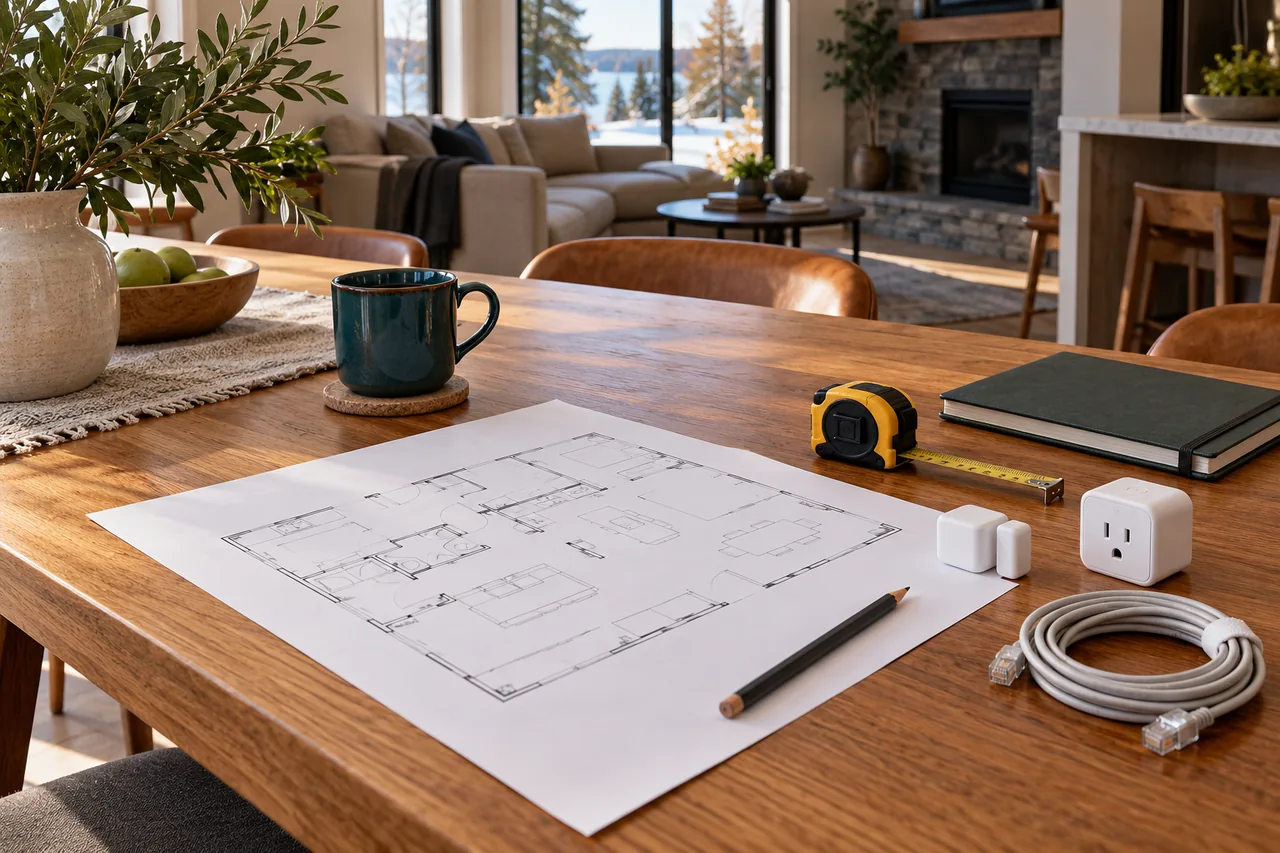
Step 1: choose the problem you want to solve
Write three things you want the house to do better. Be concrete: illuminate the entrance when appropriate, make a bedroom easier to control, or warn someone about water under a sink. Then rank them by usefulness, urgency and the effort needed to maintain them.
Add a short description of success. “Everyone can turn the reading light on without an app” is testable. “The home feels futuristic” is not. Agree on privacy, who controls the accounts and what should continue to work manually.
For a first pilot, choose a small task with a straightforward fallback. Avoid making a critical door, required alarm or essential appliance depend on an untested automation. Read the benefits and savings guide if you need help separating convenience from financial return.
Step 2: survey the home before shopping
List equipment you already own, including the router, any home controller, thermostats, lights and useful sensors. Note model numbers and supported software versions. Check whether a device you already own can provide a controller or border-router role.
Walk the property and note construction, power availability, weak network areas and where people actually reach for controls. A signal test at the router is not a signal test at the far end of the house. Include outdoor exposure and expected operating temperatures when planning exterior equipment.
For a rental or condo, check permissions and building rules before altering fixed equipment or recording shared areas. In an older house, have the appropriate professional assess wiring and equipment compatibility before buying a wall switch or thermostat. The Electrical Safety Authority's homeowner handbook explains why electrical work and the applicable notification and contractor requirements need to be checked. Electrical Safety Authority: homeowner handbook ↗
Keep reusable equipment where it meets the goal. A reliable existing system should not be discarded simply to put the same logo on every box.
Step 3: choose a control approach and a compatibility rule
Choose the main interface that the household can actually use. Consider physical controls, accessibility, local automation, remote access, ongoing subscriptions, backup and restore, and who will maintain the system. An enthusiast-managed platform can be flexible, but its maintenance demands are part of the choice.
Set a purchasing rule: a new device must support the required function on the chosen platform today. Do not rely on an unconfirmed future update. Check basic operation, advanced features and offline behaviour separately.
Matter over Thread can be useful for supported low-data devices, while Wi-Fi, Ethernet, other radio systems and wired controls can suit different tasks. Use our Matter over Thread explanation and protocol comparison to decide which roles are needed rather than collecting unnecessary hubs.
Step 4: build one small pilot and live with it
A modest pilot might combine one suitable plug-in lamp control with a reachable button, or a correctly placed leak sensor with a tested alert recipient. Choose equipment appropriate for the load and the location. A smart plug is not a universal appliance controller.
Use the setup procedure supplied by the manufacturer. Update supported software, name devices clearly, and keep account ownership in the household. Record the purpose of the routine, not just the pairing steps.
Test for at least a normal week before repeating the pattern. Include a visitor, a changed schedule and a safe test of supported internet-loss behaviour. The lamp should remain usable when someone cannot find a phone. The alert should reach the person expected to act.
Build over time with a limited budget
| Planning envelope | Use it to prioritise | Keep separate |
|---|---|---|
| C$250 pilot cap | One useful reversible routine; reuse existing compatible equipment. | A new hub, installation or specialised device may use the whole allowance. |
| C$1,000 phased allowance | Several proven priorities, purchased over time after the pilot. | Taxes, professional work, subscriptions and maintenance need explicit allowances. |
| Project-specific renovation budget | Wiring preparation, equipment assessment and coordinated room design. | Get a scoped quote; do not infer installed cost from a device price. |
The figures are example budget limits a household might set, not researched retail prices or a promise that a particular package fits them. Obtain current Canadian pricing for the actual devices, required controllers, installation and taxes.
Spend in phases. First, solve the most useful small problem. Next, strengthen the network or powered backbone where testing shows a weakness. Then repeat a successful pattern in another room. Finally, add more specialised equipment only when its benefit is clear.
Reserve money for the unglamorous parts: batteries, replacement power supplies, professional help, support time and an eventual migration when a product loses support. Choose a smaller maintainable system over a larger one that nobody understands.
Renters can often begin with reversible equipment, subject to permission and product suitability. Homeowners planning a future renovation can document cabling routes now and install devices later. Doing less today can still be part of a deliberate long-term plan.
What could a money-is-no-object smart home look like?
A high-budget home can feel remarkably ordinary to use. Lights respond consistently, rooms are comfortable, visitors understand the switches, and the system is maintained without constant owner troubleshooting. The luxury is dependable behaviour and thoughtful integration.
A complete design might coordinate architectural lighting, motorised shading, appropriate HVAC controls, entry and access, carefully scoped video, leak detection, network infrastructure and a designed backup-power strategy. Those systems do not all need one protocol or one manufacturer.
- Infrastructure first: plan suitable cable routes, equipment space, ventilation, labelled circuits and network coverage.
- Control that belongs in the room: give each important task a clear physical interface, with consistent labels and a simple app as another option.
- Resilience by design: define what is essential, what backup can support, and how equipment recovers after interruptions.
- Privacy boundaries: limit cameras and data collection to the intended purpose, with household-controlled accounts.
- Professional coordination: bring the relevant electrical, HVAC, plumbing, networking and design specialists into the plan before their decisions conflict.
Ask for a written scope and acceptance criteria rather than accepting a long feature list. Larger budgets increase the value of careful design; they do not remove compatibility limits or make maintenance optional.
Step 5: commission the behaviour, not just the devices
A device pairing successfully is only the start. Walk through the actual household routines and compare them with the agreed outcome. Check slow or missed responses, confusing controls, false alerts and contradictory rules.
- Test each room with someone who did not configure it.
- Verify manual control and authorised access when a phone is unavailable.
- Safely test supported internet-loss and power-restoration behaviour.
- Confirm required alarms retain their intended standalone operation.
- Check who receives alerts and who acts if the first person cannot.
- Document any dependency on cloud services, subscriptions or a particular controller.
Use the outage explorer and security and safety guide to identify questions that a successful demonstration might otherwise miss.
Step 6: make ownership and maintenance part of the handover
Keep a household inventory with model numbers, locations, support information and a plain-language description of each routine. Store credentials and setup codes securely, separate from a public instruction sheet.
Agree on who updates software, tests batteries, reviews camera access and checks the system after a router replacement. If a professional maintains the installation, define what they can access, how that access ends and who responds when something fails.
Retain configuration backups where the platform supports them and understand the restore procedure. Before selling a device or moving home, follow the supported process for removing accounts, deleting retained personal information and transferring or resetting equipment.
Bienieco is developing its Ontario offering. You can explore the interactive home planner or share an early project question; service availability, scope and pricing require confirmation. The example homes and generated images on this site are planning concepts, not a portfolio of completed installations.
Common questions before you start
Can I start without rewiring the house?
Often a useful pilot can use suitable plug-in or battery equipment. Fixed electrical, heating, plumbing and access changes need their own assessment and any required permissions.
Do all devices need to be from one brand?
No. A coordinated system can mix brands and network types, provided the needed functions are supported and the dependencies are understood.
When should I bring in a professional?
Before work involving fixed wiring, HVAC compatibility, plumbing shutoff, life-safety systems, access hardware or a complex whole-home design. Check the appropriate qualifications and scope for the work.
Make the first purchase solve one complete task
Before setting a device budget, list the full dependency chain. A low-cost accessory may also need a controller, border router, compatible hub, subscription or professional installation. Keep those items in one total so the first stage is useful on its own.
- For a Thread accessory, check equipment you already own before buying a separate border router.
- For heating, confirm the baseboard or HVAC control type before comparing smart features.
- For water monitoring, choose the required alert and response before buying a multipack of sensors.
- For an energy-saving goal, establish a measurement baseline before attributing savings to a device.
Hold back part of the budget for an unforeseen compatibility issue and the next useful improvement. Expand after the household is comfortable with the first routine; a larger shopping list is not evidence that the home works better.
SOURCES & METHOD
Check the evidence behind the guide.
Prepared by Bienieco with AI assistance and checked against the primary sources linked here. The examples are planning analysis, not field-test results or customer case studies. Product features and requirements can change. Read our editorial approach and correction process.
- esasafe.com — Homeowner electrical safety handbook ↗
- csa-iot.org — Matter overview ↗
- threadgroup.org — Border routers ↗
- cyber.gc.ca — Connected-device security ↗
- natural-resources.canada.ca — Heating controls and equipment considerations ↗
For a correction or a source that has changed, contact Bienieco. Planning information does not replace a property-specific professional assessment.