
Choose the comparison that matches your project
| Your main question | Read next | What to compare |
|---|---|---|
| How should we light a room? | IKEA versus Philips Hue | Fixtures, physical controls and the complete room cost. |
| Which hub fits our sensor routines? | DIRIGERA versus Aqara M3 | The exact event, action and supported accessory path. |
| Should our first bulbs use Wi Fi or Thread? | IKEA versus Tapo | Network access, required infrastructure and controls. |
| Do we need a broader integration platform? | DIRIGERA versus Home Assistant | What useful function would justify extra administration? |
If you already own a working setup, compare expansion before replacement. The useful question is the next task the system cannot perform, not whether another brand has more features in a catalogue. A household can also keep supported systems and connect selected functions rather than move every device.
New IKEA Matter products change older comparisons
Do not treat all IKEA equipment as older TRÅDFRI Zigbee products. Current Canadian listings include the examined KAJPLATS bulb and BILRESA control using Matter over Thread. IKEA’s IKEA: Matter system, Thread roles and older equipment describes controller, bridge and Thread roles, including how newer accessories differ from older equipment. Its general system guidance does not establish Canadian stock or every third party feature.
Keep four labels separate: the product model, the radio transport, the controller that runs the relevant function and the app a person uses. A Thread border router is not automatically the automation engine; a bridge can expose existing devices without changing their original radio. This distinction prevents several common buying mistakes.
Start with our hub, bridge and gateway explanation if the roles are unclear. Then use the detailed comparison for your intended task.
A dated Canadian cost example
Prices below were listed on official pages when checked on 17 October 2026. They are not a Bienieco offer, a price guarantee or confirmation of local availability. Tax, delivery and batteries are additional where applicable.
| Item | Quantity | Listed unit price | Subtotal |
|---|---|---|---|
| DIRIGERA hub | 1 | C$99.00 | C$99.00 |
| Examined KAJPLATS E26 1100 lumen colour bulb | 2 | C$11.99 | C$23.98 |
| BILRESA dual button remote | 1 | C$7.99 | C$7.99 |
| Total before tax, shipping and batteries | C$130.97 |
Sources: IKEA Canada: DIRIGERA hub and current listed price, IKEA Canada: KAJPLATS E26 1100 lumen colour bulb and IKEA Canada: BILRESA dual button remote. This is an itemized example, not a bench tested kit. Verify firmware, pairing and the required control behaviour before purchase.
If your existing system already supplies the supported controller and Thread roles and the chosen remote functions, the two bulbs and remote alone total C$31.97, plus batteries and other costs. That conditional example explains why the same bulb price can lead to different household totals. An equivalent competitor quote must include the same functions; we do not invent totals where those prices have not been verified. The examined IKEA manual also documents a remote only use case without enrollment in the full IKEA app system. Evaluate that simpler option separately if physical control is all you need; it does not provide the same complete set of functions.
Homeowners, condo owners and renters have different constraints
For homeowners, start with the intended rooms and distinguish portable accessories from electrical, HVAC or plumbing work. A brand comparison cannot replace an assessment of fixed equipment. Include professional work and restoration in any quote that needs them.
For condo owners, identify unit responsibilities and building rules before choosing cameras, locks, valves or other equipment that interacts with shared systems. For renters, favour a permitted portable trial, check the authorized network and document what comes with you when moving. Neither Matter nor a no drill bracket provides permission to change the property.
A household’s needs matter as much as its ownership type. Consider physical controls, other occupants’ privacy and the person who will maintain accounts and batteries. Continue with the renter guide or home planning worksheet once a comparison has narrowed the options.
How to use this series
This is a document based comparison and Bienieco’s editorial assessment, not a hands on product test. We have not measured comparative reliability, colour accuracy, response time or battery life. Recommendations below match documented capabilities to specific household needs. Product features, firmware, Canadian listings and prices were checked on 17 October 2026; local stock and delivery are not confirmed.
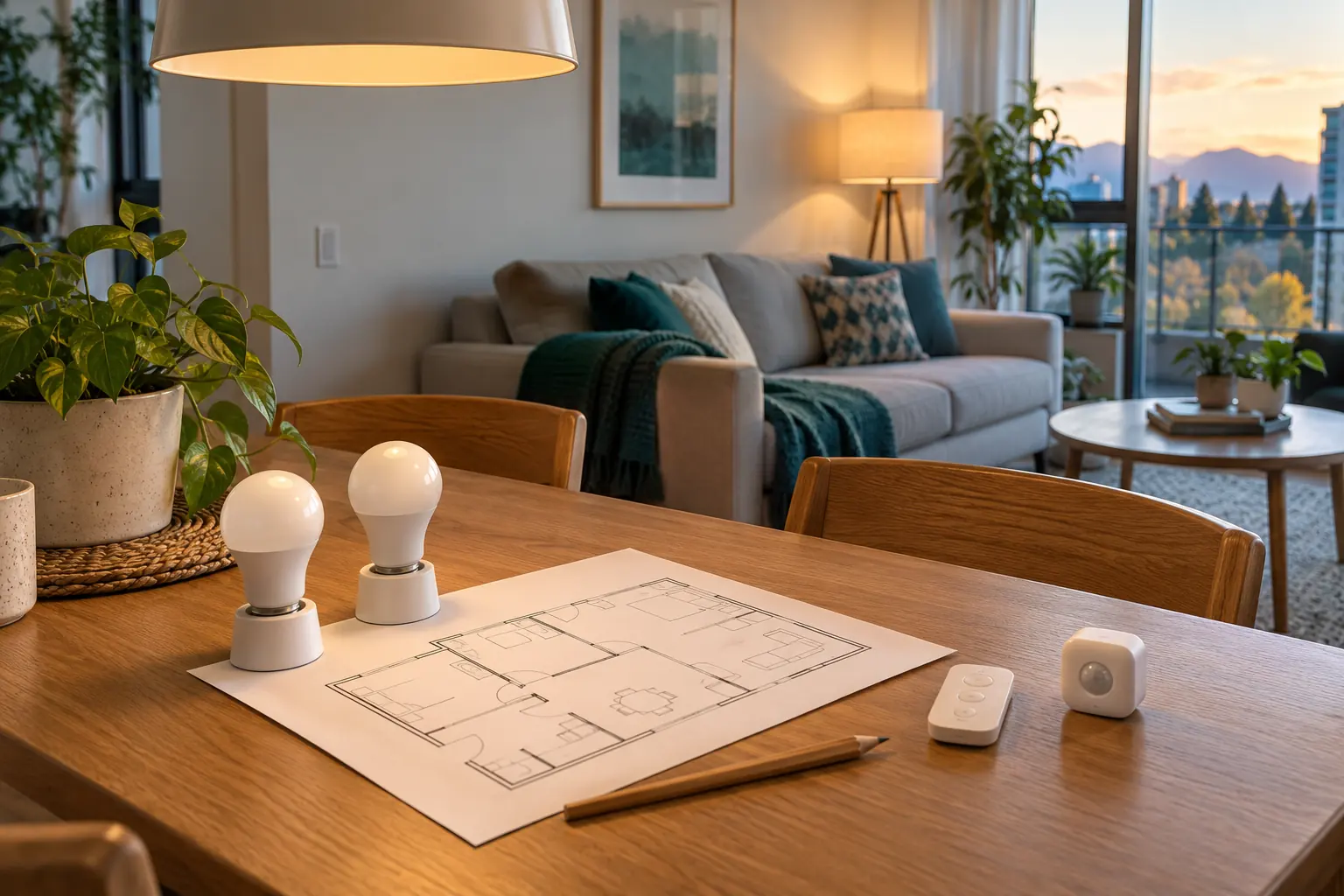
We distinguish manufacturer documented facts, dated price arithmetic and editorial recommendations. Tables are original decision aids; generated room photographs are illustrations rather than evidence of product performance. The source links beside claims let you check the current model and instructions.
There is no universal brand winner here. Each detailed article provides a practical starting choice, explains what would change that choice and gives a small trial or migration plan. Avoid replacing a working system until you can name the improvement and its complete dependencies.
Sources and review method
Prepared by Bienieco with AI assistance and primary source research checked on 17 October 2026. This is a document based comparison. Product generations and regional versions matter; verify the current specification and purchase terms. Read our editorial approach. Trademarks identify the products discussed; their use does not imply endorsement or a manufacturer partnership.
- IKEA Canada: KAJPLATS operating and pairing instructions
- IKEA Canada: DIRIGERA hub and current listed price
- IKEA Canada: KAJPLATS E26 1100 lumen colour bulb
- IKEA Canada: BILRESA dual button remote
- IKEA: Matter system, Thread roles and older equipment
- Philips Hue Canada: Bluetooth, Bridge and Bridge Pro
- Aqara Canadian dollar store: Hub M3
- TP Link Canada: L535E hardware versions and support
- Home Assistant: platform purpose and local control