
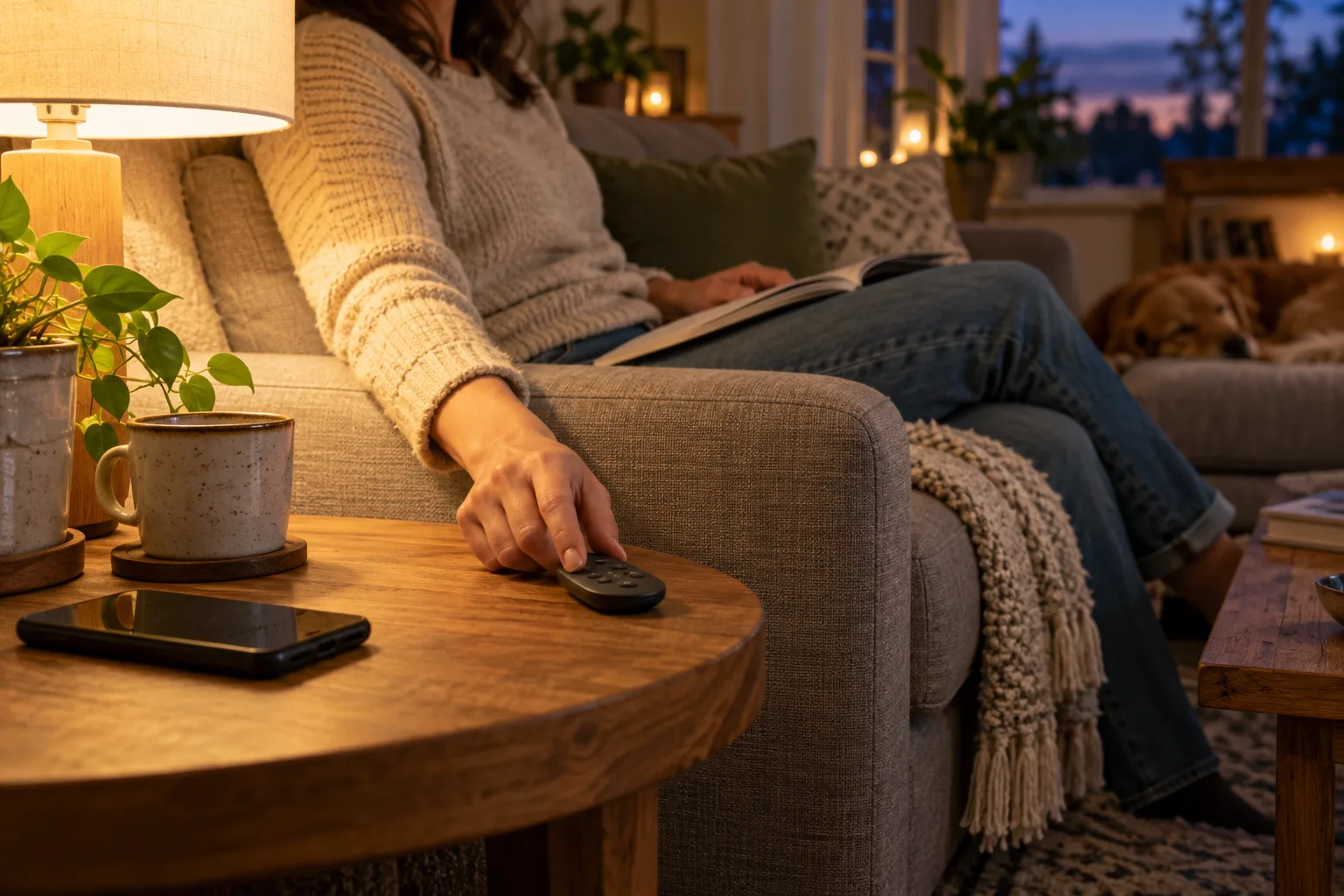
Start with what a visitor needs to do
Choose three ordinary actions: light the room, adjust a reading lamp and turn it off before leaving. Put those actions on clear controls in predictable locations. A visitor should not need to know which bridge owns the light or whether the administrator prefers a particular app.
Home Assistant: use by the rest of the household discusses household use of Home Assistant through different interfaces. Our recommendation is to judge the room by the least technical person who uses it, rather than the complexity of the dashboard. A visible button is valuable only when its behaviour is consistent.
Choose the control that fits the task
| Control | Useful when | Check before relying on it |
|---|---|---|
| Ordinary equipment control | The lamp or appliance already provides understandable operation. | What happens to any smart accessory when power is removed? |
| Wireless remote or button | People need tactile room control without their own account. | Supported pairing, event path, batteries and mounting. |
| Shared household dashboard | Several supported functions need one view. | Account permissions and how it behaves when unavailable. |
| Voice interface | An occupant finds speaking easier. | Hearing, language, privacy and service dependencies. |
Avoid equating accessibility with one technology. Ask occupants what they can reach, see and comfortably operate. Keep the required action simple and provide more than one appropriate option when the household needs it.
A remote only option can be a legitimate starting point
The examined IKEA Canada: KAJPLATS operating instructions and remote pairing includes direct remote pairing instructions. Philips Hue: supported Bluetooth lights and dimmer control describes a supported dimmer arrangement for compatible Bluetooth lights. These are product specific examples, not proof that any wireless button will operate any lamp without a hub.
Record the exact accessory, remote and required control path. If a hubless arrangement meets the only current need, price it separately from app scenes and remote access. If the remote sends an event to a controller, include that controller in the fallback plan. “Wireless” does not mean independent of all other equipment.
Make the intended control obvious
- Keep the everyday light control near the route people naturally take into the room.
- Use short task labels such as reading or evening rather than technical entity names.
- Agree where the handheld remote lives and how batteries are replaced.
- Keep necessary controls reachable without moving furniture or climbing.
- Check permission and surface suitability before attaching anything in a rental.
A note can help while people learn, but it should not compensate for a confusing layout. If one button has different meanings depending on an invisible mode, simplify the mapping or make the current mode easy to see.
Check power, controller and internet separately
A supported direct control arrangement and a controller driven automation can fail differently. Check what ordinary operation remains if the internet is unavailable, then what remains if the controller stops. An unpowered bulb cannot respond to a radio remote even when the rest of the network works.
Keep tests limited to a non critical room and the manufacturer’s supported procedure. Do not remove essential controls or intentionally create an access or safety problem. Record expected behaviour on a short room card so another person can distinguish an outage from a flat remote battery.
Use a five minute household acceptance test
- Ask someone who did not configure the system to light the room.
- Ask them to find a comfortable reading level and then turn the light off.
- Explain the documented fallback and ask whether it is understandable.
- Check whether the next automatic routine respects the agreed manual choice.
- Adjust the layout or rule before adding more devices.
This is an observation plan for your household, not a Bienieco usability test result. In a shared home, follow the account and privacy worksheet before offering app access simply to solve a lighting problem.
Sources and method
Prepared by Bienieco with AI assistance and checked against the primary documents below on 17 October 2026. Worksheets are original planning aids, not measured product results. Manufacturer examples apply only to the stated products; confirm exact models, regional versions and current instructions. Read our editorial approach.