
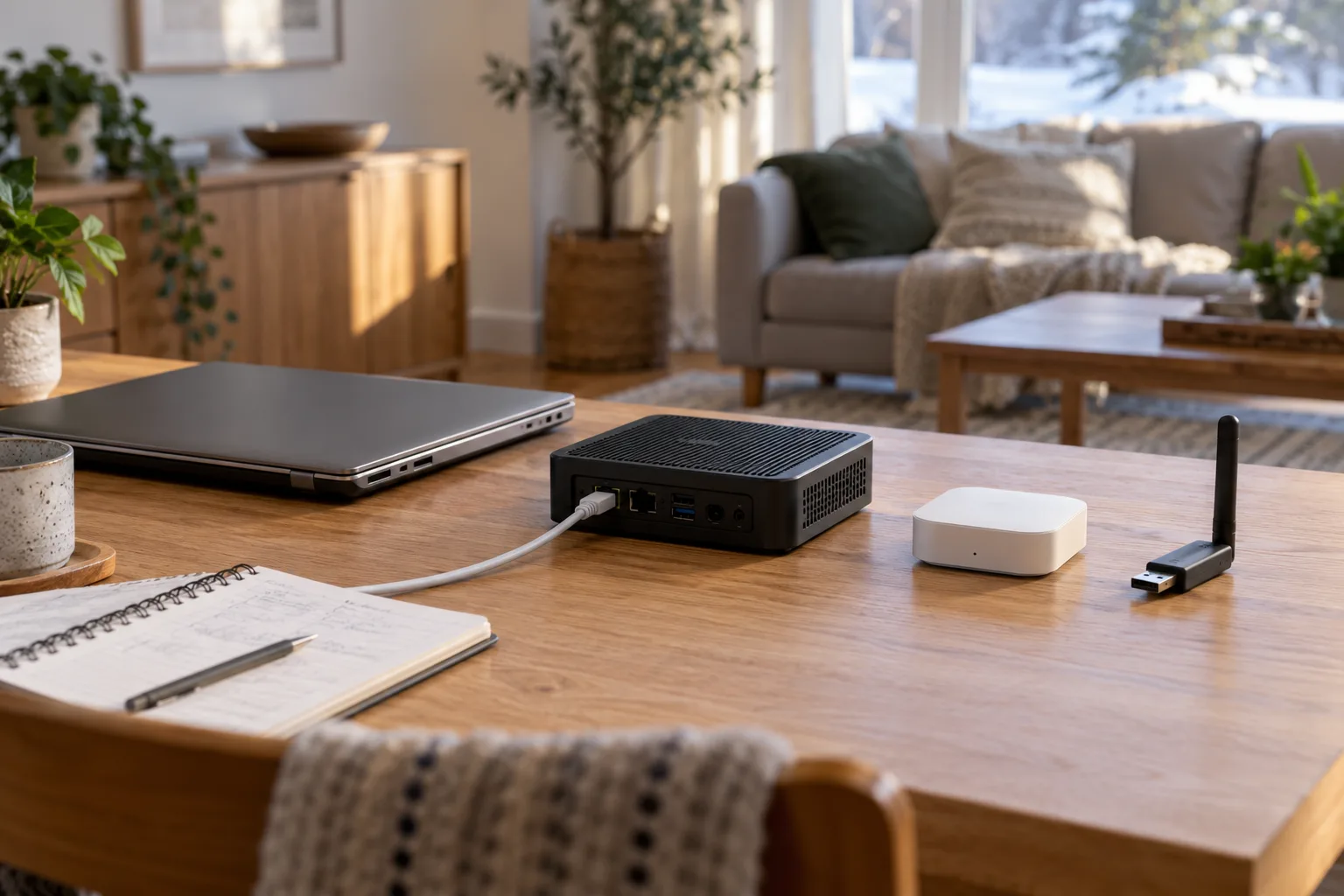
Start with the computer’s job, not its processor
List what you intend to run in the first room. A few supported light controls are a different workload from video analysis or a separate language model server. Buying for every possible future project can make a small trial expensive; reusing an unstable machine can make it frustrating.
Our editorial starting point is a dedicated arrangement when other people will depend on it and nobody wants to administer a general purpose server. Reuse is reasonable for learning when you understand the host and can leave ordinary controls intact. This is a planning comparison, not a benchmark or long term hardware test.
Green, a Windows VM and a dedicated PC are different choices
Home Assistant: Green hardware and setup requirements describes a preinstalled device connected by Ethernet, with internet needed for initial setup. Its price shown in another currency is not a Canadian delivered quote. Home Assistant: supported installation choices distinguishes Home Assistant OS from Container; choosing a computer does not yet choose its installation method.
| Option | Why consider it | Work to account for |
|---|---|---|
| Green | A dedicated appliance style starting point. | Network connection, accessories, backups and ordinary updates. |
| Existing Windows computer with a VM | Learn using hardware you already administer. | Windows availability, VM setup, storage and any radio passthrough. |
| Supported PC dedicated to Home Assistant OS | Reuse a suitable machine for one job. | Installation, drive suitability and losing its previous general purpose role. |
Follow Home Assistant: Windows virtual machine installation or Home Assistant: generic x86 64 installation for the selected route. Installing an operating system can replace existing data; read the official procedure and preserve needed files before attempting it.
Can a laptop stay available when the lid is closed?
Write down what currently happens when the laptop sleeps, restarts, leaves home or runs out of power. A VM stops helping the room when its host stops running. Do not change settings blindly: check the computer vendor’s power, ventilation and operating guidance, then decide whether this machine is suitable.
- Does another person need the computer for ordinary work?
- Will automatic restarts interrupt the routines you are trialling?
- Is storage healthy, and is its capacity appropriate?
- Can it sit in a suitable ventilated location near the network?
- Who restores the VM after a host update or failure?
An ageing battery is not a designed home backup power system. If the machine has a damaged or swollen battery, stop using it and follow manufacturer guidance. The goal is an appropriate host, not keeping unsuitable hardware alive to avoid a purchase.
Does Green or a spare PC include the radios you need?
A host runs the platform; a retained bridge, compatible coordinator or border router supplies other roles. Green’s official page describes expansion options. Do not assume that buying Green or connecting a PC by Ethernet provides every Zigbee, Z Wave and Thread requirement.
Inventory your working bridges before adding a radio. If the goal is one Hue scene through a supported bridge integration, that route is different from moving bulbs onto a new Zigbee network. Record the required role and the exact device supplying it. Read whether to keep a Hue Bridge before buying a coordinator simply to remove a box.
Compare ownership costs with measurements, not guesses
| Cost item | Green arrangement | Existing computer arrangement |
|---|---|---|
| Upfront purchase | Delivered Canadian quote, date and tax. | Any storage, adapter or repair costs. |
| Continuous power | Use an appropriate measured or documented figure. | Measure the intended idle arrangement, including the host. |
| Accessories | Only missing radio and bridge roles. | The same required roles, plus relevant host accessories. |
| Administration | Updates, recovery and device maintenance. | Those tasks plus host or virtualization work. |
For a measured continuous load, annual energy is watts × 24 × 365 ÷ 1,000. A hypothetical 10 W difference is 87.6 kWh per year; multiply by an applicable incremental electricity rate, not by an entire bill containing unrelated fixed charges. This arithmetic is not a measurement of either option.
Use a reversible trial before a migration
- Choose one non critical lamp and a clear success condition.
- Select an official supported installation route and record its dependencies.
- Check manual control while the host is unavailable.
- Make and securely store a backup using the official procedure.
- Decide whether maintaining the arrangement is acceptable before moving another room.
Home Assistant: backup and recovery explains recovery. A saved configuration does not remove the need for suitable replacement hardware and retained recovery information. Finish with the family handover checklist so the result is understandable to someone besides its administrator.
Sources and method
Prepared by Bienieco with AI assistance and checked against the primary documents below on 17 October 2026. Worksheets are original planning aids, not measured product results. Manufacturer examples apply only to the stated products; confirm exact models, regional versions and current instructions. Read our editorial approach.