Range claims are starting points, not floor plans
A radio range figure may be measured in open air with favourable antennas and little interference. A real house has masonry, plumbing, metal boxes, mirrors, appliances and neighbours’ networks. A sensor in a detached garage or behind an electrical panel can be harder to reach than a device much farther away in a clear hallway. The only reliable answer for your home comes from testing the intended locations.
For planning, think per hop: the distance from a device to the access point, hub, border router or powered mesh neighbour it must reach. A mesh can extend a network only if suitable relay devices are placed where both sides can hear them.
A useful comparison without false precision
Ethernet has a defined installation limit: standard copper runs are commonly designed for up to 100 metres. Wi Fi and Bluetooth have no universal household reach; band, device design and walls change it. The Zigbee Alliance describes roughly 10 to 100 metres depending on conditions, while individual Z Wave product specifications often cite tens of metres in open air. Thread depends on the same kind of radio realities as other low power 2.4 GHz systems, with mesh extenders changing total coverage.
Z Wave Long Range advertises much greater maximum reach, but that figure should never be used as a promise through an Ontario home or between buildings. Matter has no range of its own because it rides on Wi Fi, Ethernet or Thread. These distinctions are more useful than a single “best range” ranking.
Build coverage from the centre outward
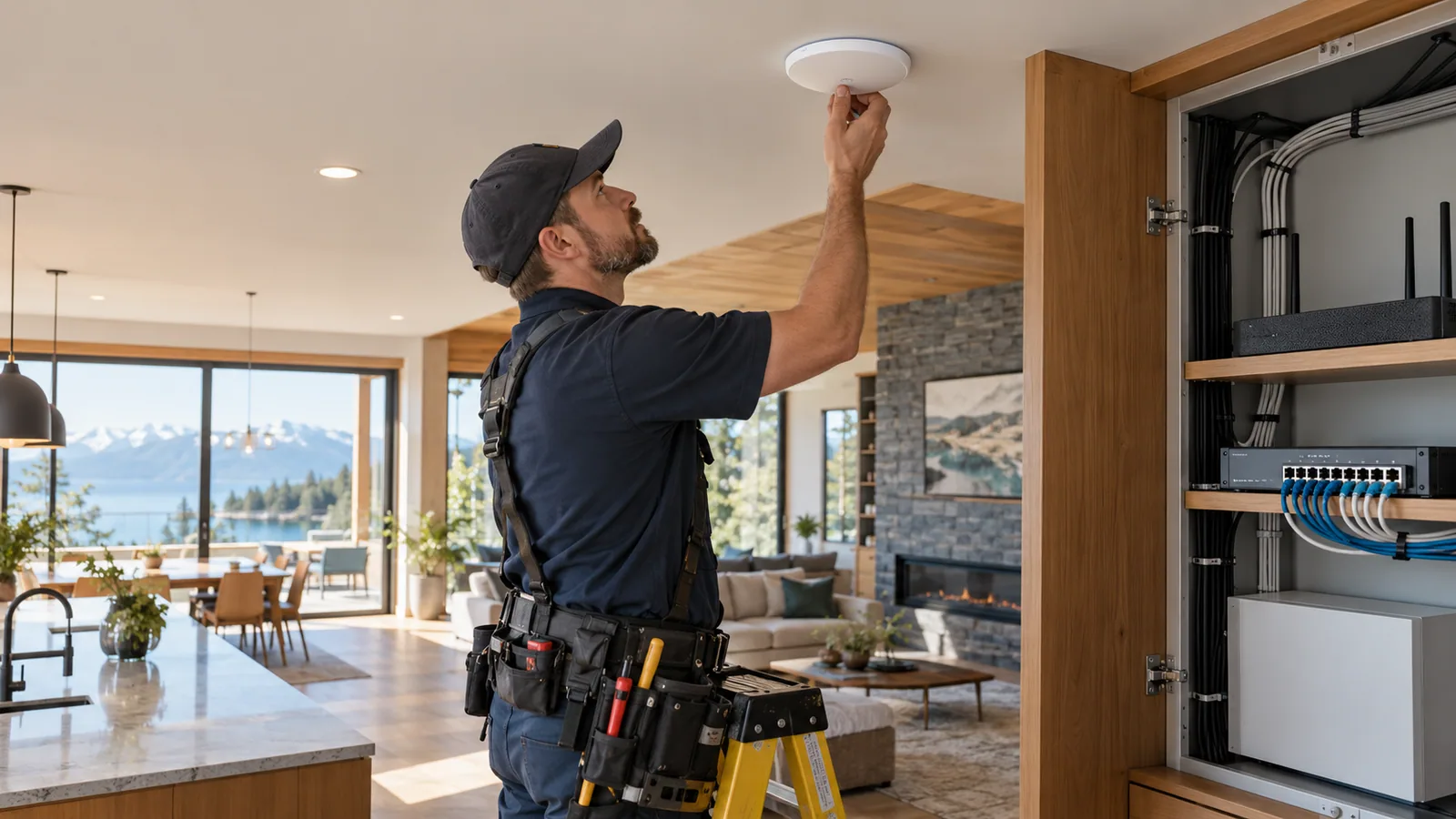
Mark the router, hub or border router on a floor plan. Mark thick walls, utility spaces, garage doors and outdoor endpoints. Put fixed network equipment in sensible central or wired locations rather than behind a television or inside a metal cabinet. If the system uses a mesh, add powered compatible devices in intermediate rooms before relying on the farthest battery sensor.
Do not assume a battery sensor extends a mesh. Do not assume a Wi Fi mesh node will improve a Zigbee or Thread mesh. Each network has its own relay devices. A separate Wi Fi access point can help a camera while doing nothing for a Z Wave lock.
Test the failure, not just the first successful command
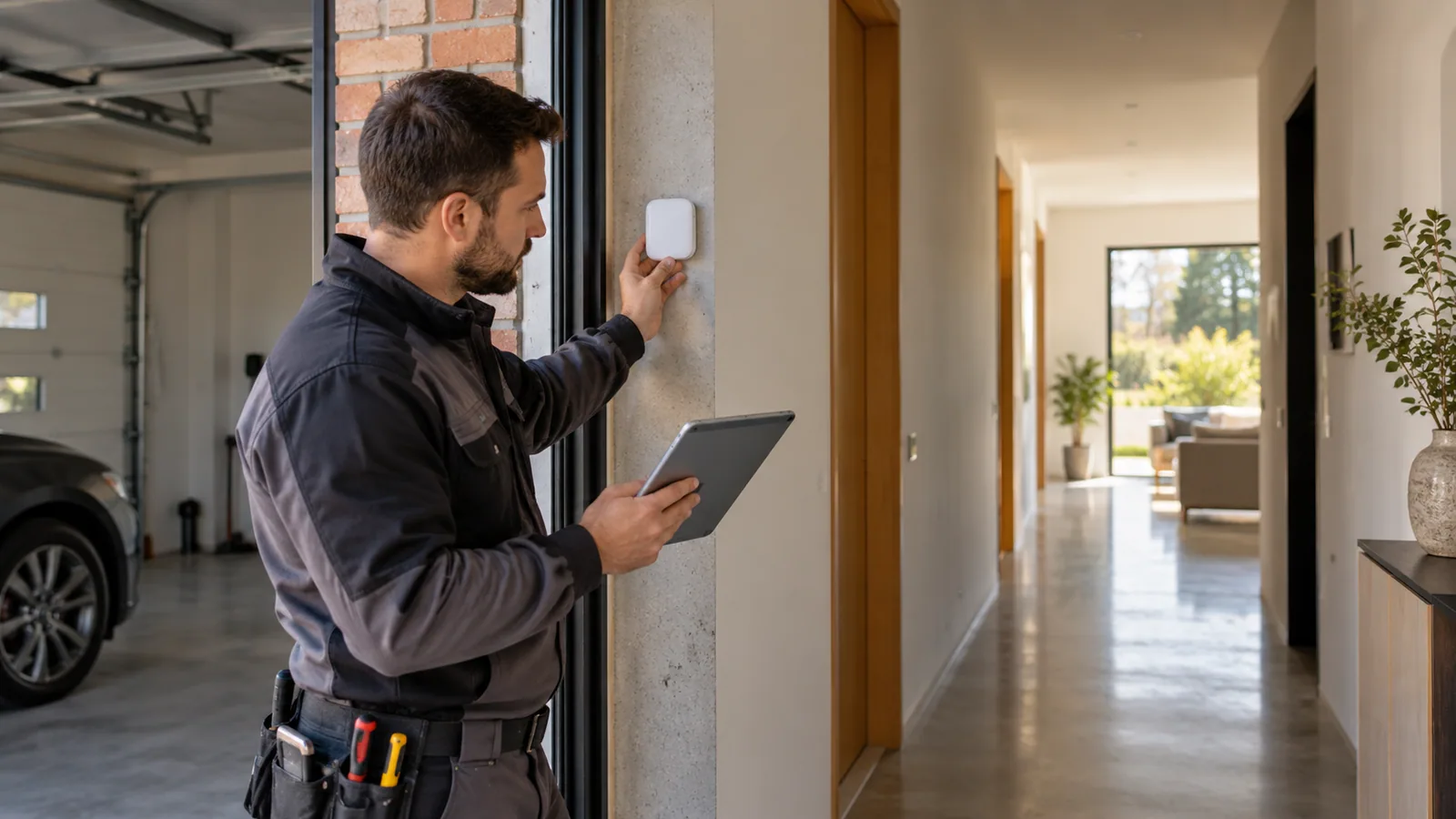
Pair a device at its final location, then test it repeatedly with doors closed and normal appliances running. Look for delayed commands, missed status updates and long gaps in sensor reporting. A single successful tap in an app is not enough. For important monitoring, check what the system says when a sensor, hub, internet connection or mains power goes offline.
A useful setup records when each device last reported, who receives an urgent alert and whether a local action can continue without the cloud. If a lock or leak alert is important, choose a fallback appropriate to that risk.
Choose by the job
For a fixed video camera, consider Ethernet with PoE first, then well planned Wi Fi if cabling is impractical. For a small battery sensor, compare Zigbee, Z Wave, Thread or BLE based on controller support and actual coverage. For a phone, speaker or television, Wi Fi or Ethernet is usually natural. For an existing IR appliance, a bridge may be acceptable if you understand that it may not confirm the appliance state.
Finally, ask who will maintain the system. The best protocol on paper is less valuable if the exact product is difficult to update, replace or repair. Keep a simple inventory of model numbers, network roles, setup codes and intended automations.
CHECK THE SOURCE
Official reading
Standards and products evolve. These links lead to the organizations that publish or administer the technologies discussed above.
Wireless distances are estimates, not a guarantee for a particular home. Verify the exact product, regional version, controller support and final installation location. Reviewed 12 October 2026.